

⭐⭐⭐⭐⭐“Great plugin.
It saves a ton of time”
@wojciechmusia395⭐⭐⭐⭐⭐“This tool definitly saved me a lot of stress in client projects. Love it”
@purpletaichou5545⭐⭐⭐⭐⭐“Bought the Pro version a while ago. Great tool worth the money”
@sdproduxionsVersion 4.6
DaVinci Resolve 20 (or later) FREE and STUDIO
Win, Mac & iPad Compatible
Version history:
-
LOG:
• Fixed Animation Speed behaviour
• Fixed Animation Delay
• Minor bug fixes
-
LOG:
• Round / Soft Edges sliders added
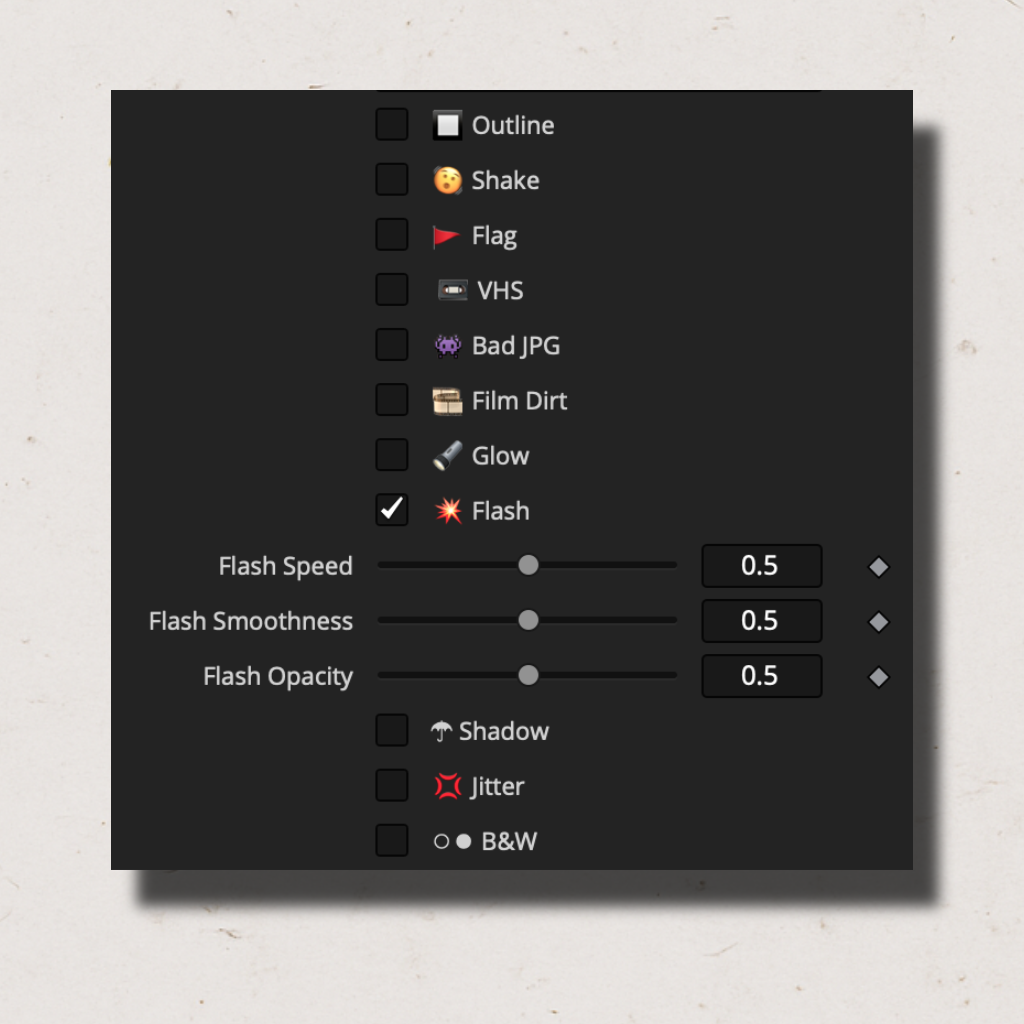
• Flash - New strobing/flicker effect added
• Fixed: Animation Curve behaviour
• Changed Default Animation Speed to 0.5
• Minor bug fixes
-
LOG:
• Pro and Pro LT versions merged into one
• Minor Performance improvements
• Fixed Elastic animation curve behavior
• Pitch and Yaw - disabled when not in use (Passthrough)
• Changed Default Motion Blur - OFF
• Add UI Logo and minor UI changes
• Minor bug fixes
-
LOG:
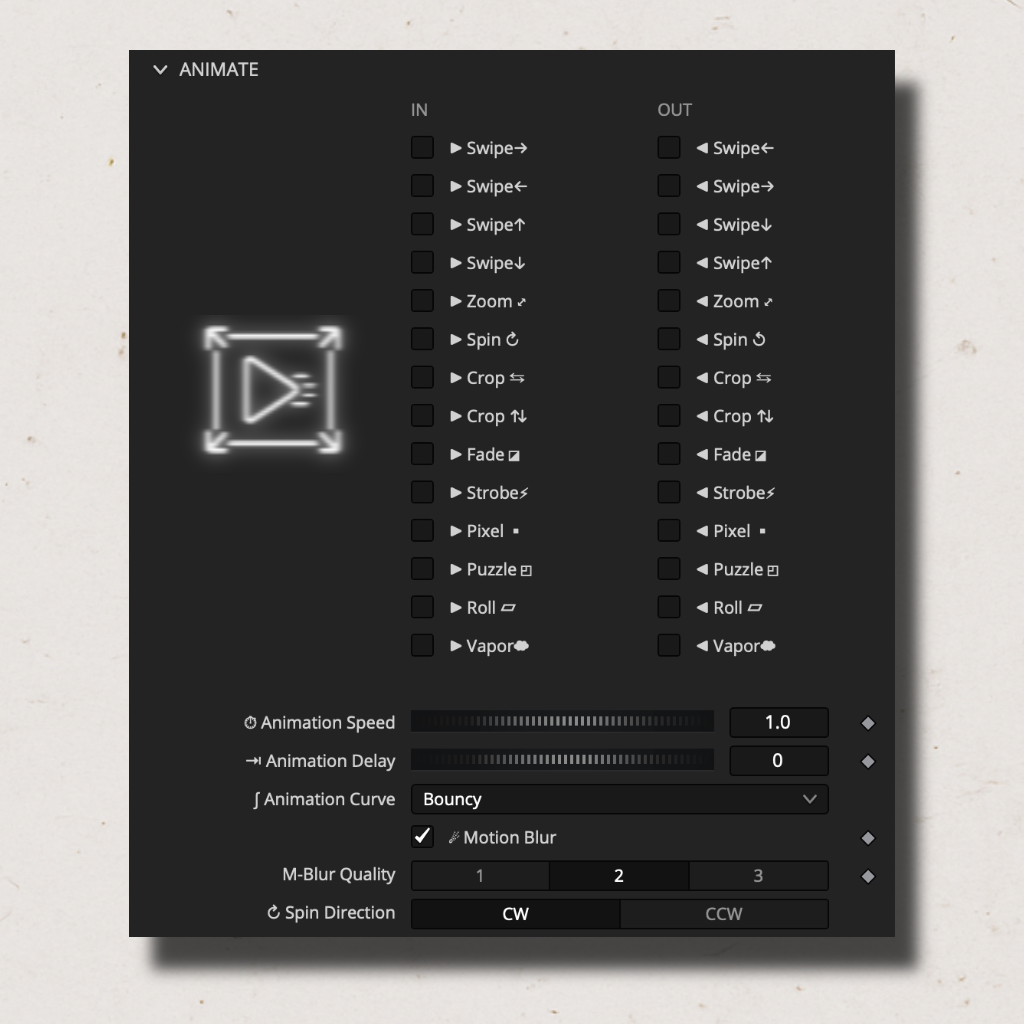
• Added independent IN and OUT animations control
• Added 3 more animation curves: Log1, Log2 and Elastic
• Added spin rotation option: Clockwise (CW) / Counterclockwise (CCW)
• Fixed spin animation functionality
• Changed Default animation speed (2x slower)
• Improved Blur quality
• Minor bug fixes
-
LOG:
• Added IN and OUT animation control
• Removed Mirror feature
• Minor bug fixes
-
LOG:
• NEW Compatibility versions for DaVinci Resolve FREE and iPAD
• Added Animation Delay
• Added Jitter Intensity
• Improved Shake effect
• By Default Shake Motion is set to 0.5
• By Default Shake Speed is set to 0.5
• Minor bug fixes
-
LOG:
• Major Performance and playback update
• Improved User Interface
• Added Shake-Motion Shape selector for Shake effect
• Added Color selector for Film Dirt effect
• Added Speed slider for Glow effect
• Added Color Noise slider for VHS effect
• Improved Glow Effect
• Improved Jitter Effect
• Fixed strobe animation
• By default - motion blur is turned ON
• Removed Crop feature from Transform section
-
LOG:
• Added Animation Curve (4 options)
• Added Outline Blur slider
• Added Shadow Blur slider
• Added Shadow Effect checkbox
• Renamed Prism to Jitter and improved the effect
• Updated icons and emojis
• Optimized Film Dirt effect
• Performance optimizations
• Fixed strobe animation
• By default - motion blur is turned OFF