Stop guessing. Nail your colors every time.
NAILER is a precision indicator plugin for DaVinci Resolve Studio that helps you see and evaluate color more clearly.
It uses intelligent color overlays and real-time visual indicators to translate complex color data into clear, actionable feedback—so you can make faster, more confident decisions while grading.
Instead of constantly jumping between scopes, NAILER lets you evaluate exposure, contrast, skin tones, saturation, balance, and neutrals directly on the image. It’s designed to support your workflow, not replace it - giving you visual confidence that what you’re seeing is accurate and under control.
WHAT IS NAILER?
★★★★★“This changed my life in terms of color correction, one of the Best thing i ever bought for davinci resolve”
— @JohnSkovacin★★★★★“Hey guys! I might be one of the first to get this DCTL file, and honestly, it’s one of the most powerful products I’ve used in a long time. This is serious stuff, I mean it.”
— @ISAMFILM★★★★★“It’s an excellent tool – after just one day, I wouldn’t want to be without it! Very nice and easy to work and grade with this tool!”
— @christinekaiser7232-
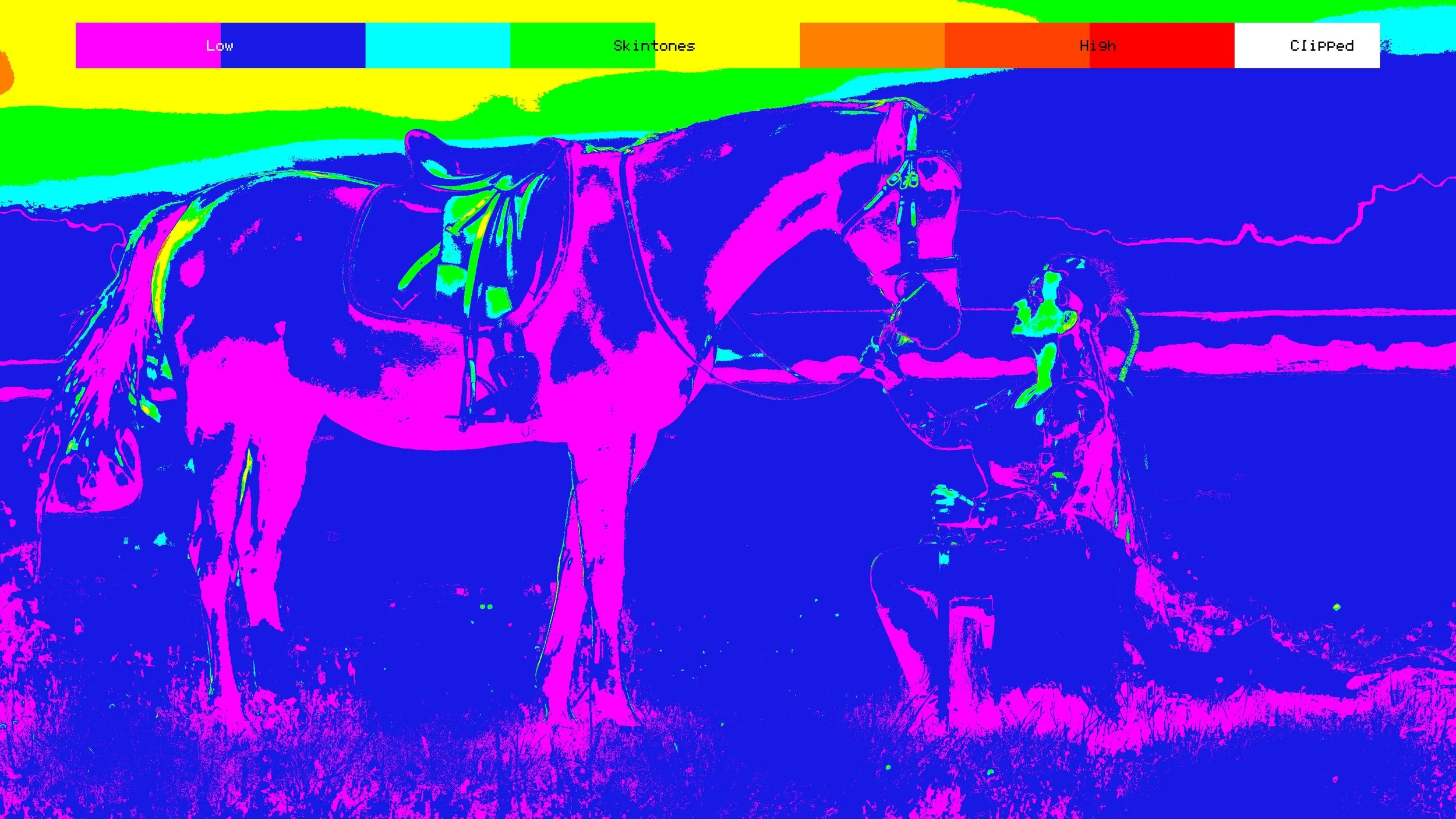
SEE WHAT MATTERS
Real-time visual indicators turn complex color data into clear on-screen feedback. Instantly evaluate exposure, balance, saturation, skin tones, and neutrals - without guessing or over-relying on scopes. -
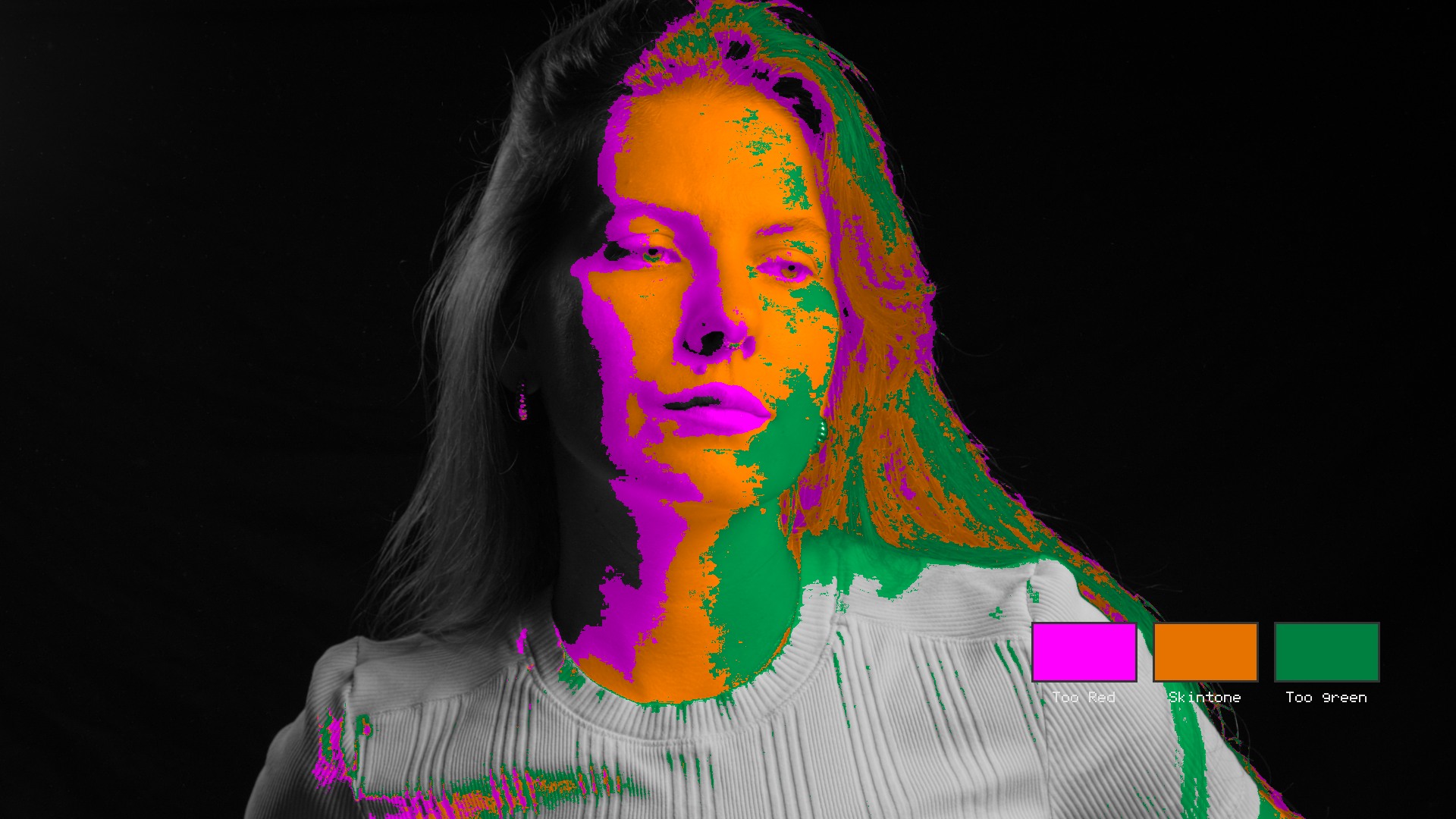
PRECISION INDICATORS
Accurate, color-coded overlays help you identify problems and confirm decisions at a glance. Designed to support professional color correction and grading with clarity, consistency, and control. -
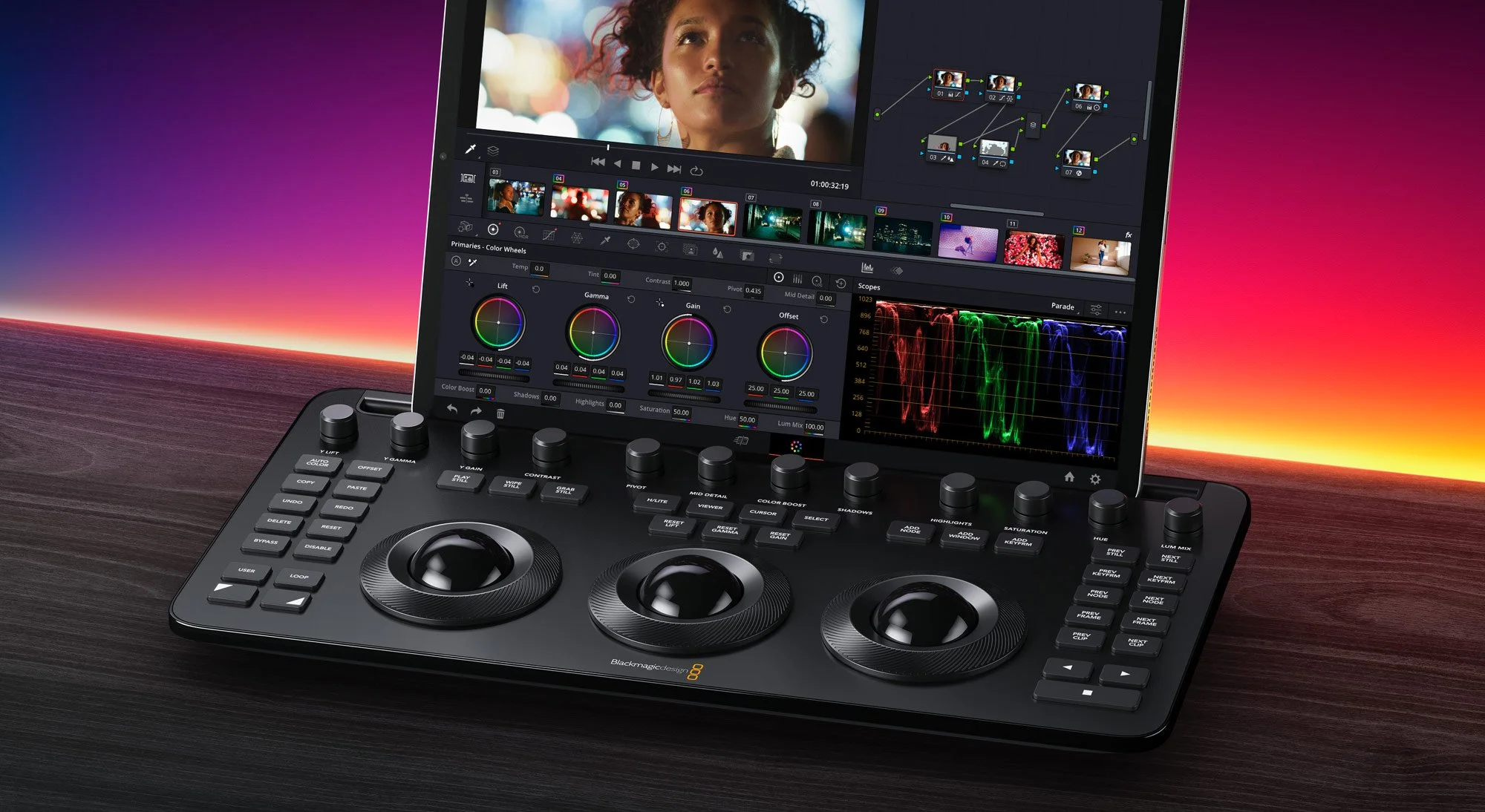
GRADE WITH CONFIDENCE
Make informed color decisions faster. NAILER gives you visual confirmation that your image is balanced, exposed correctly, and under control - so you can trust every adjustment you make.
NAILER FEATURES
-
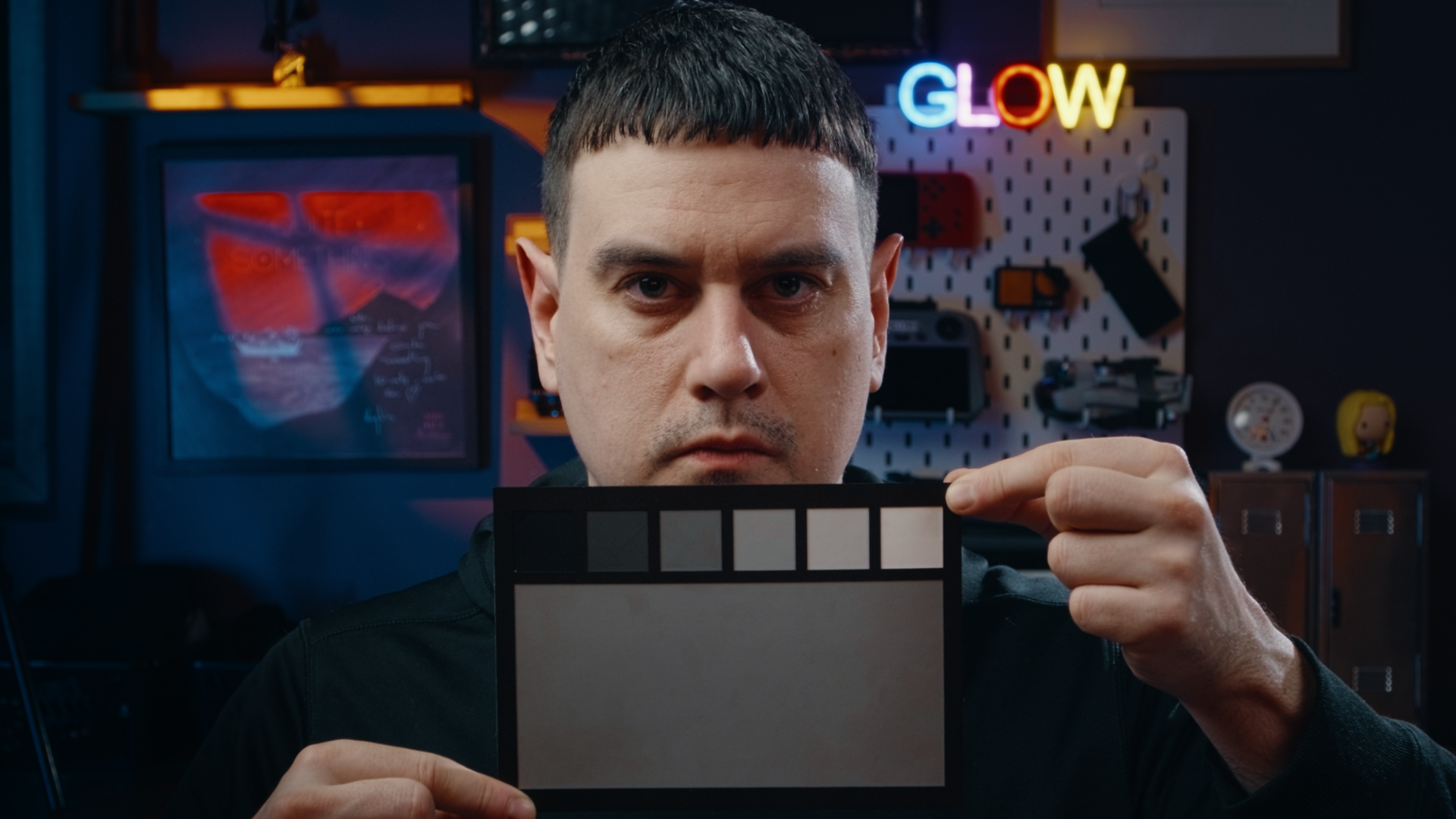
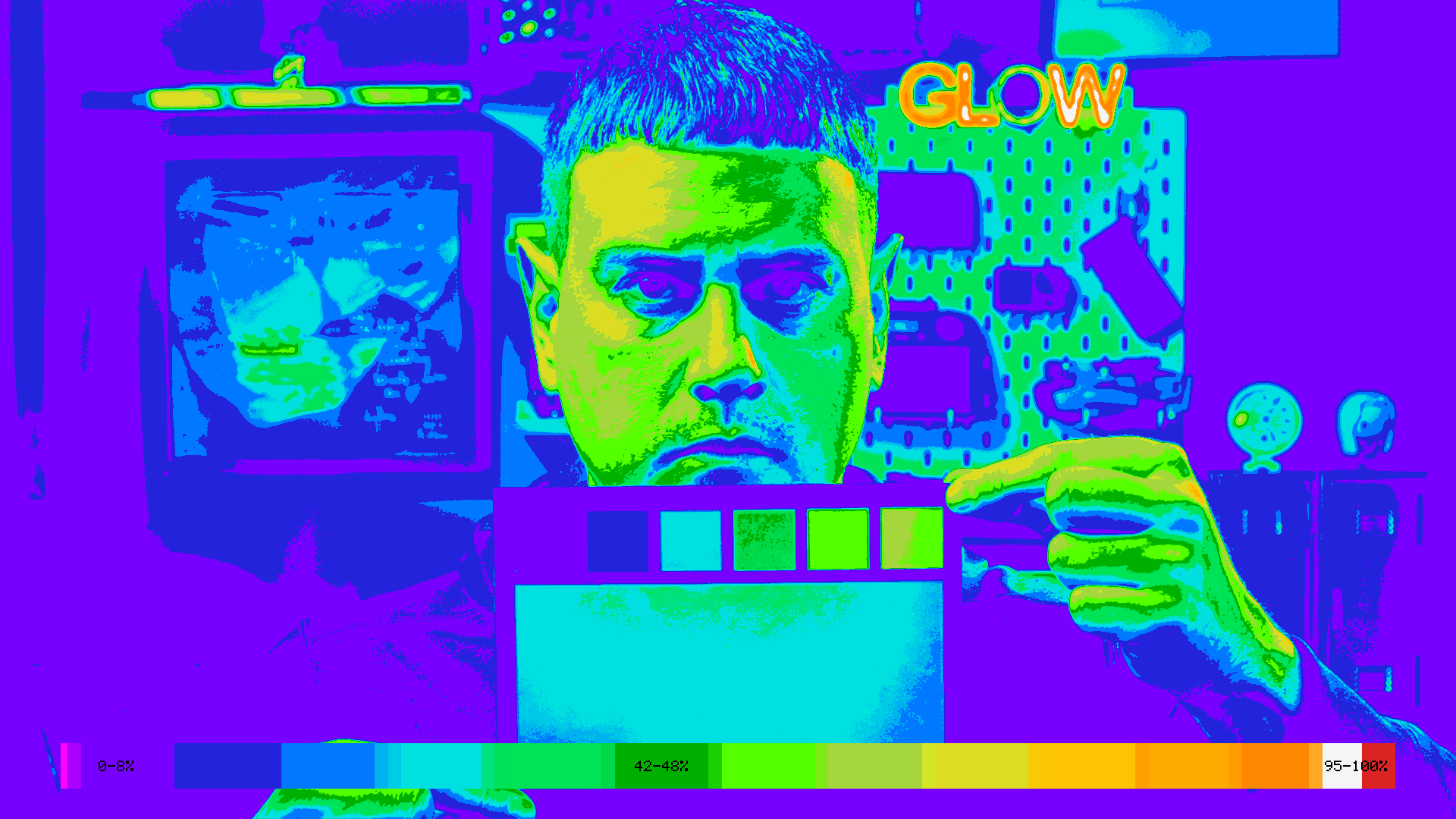
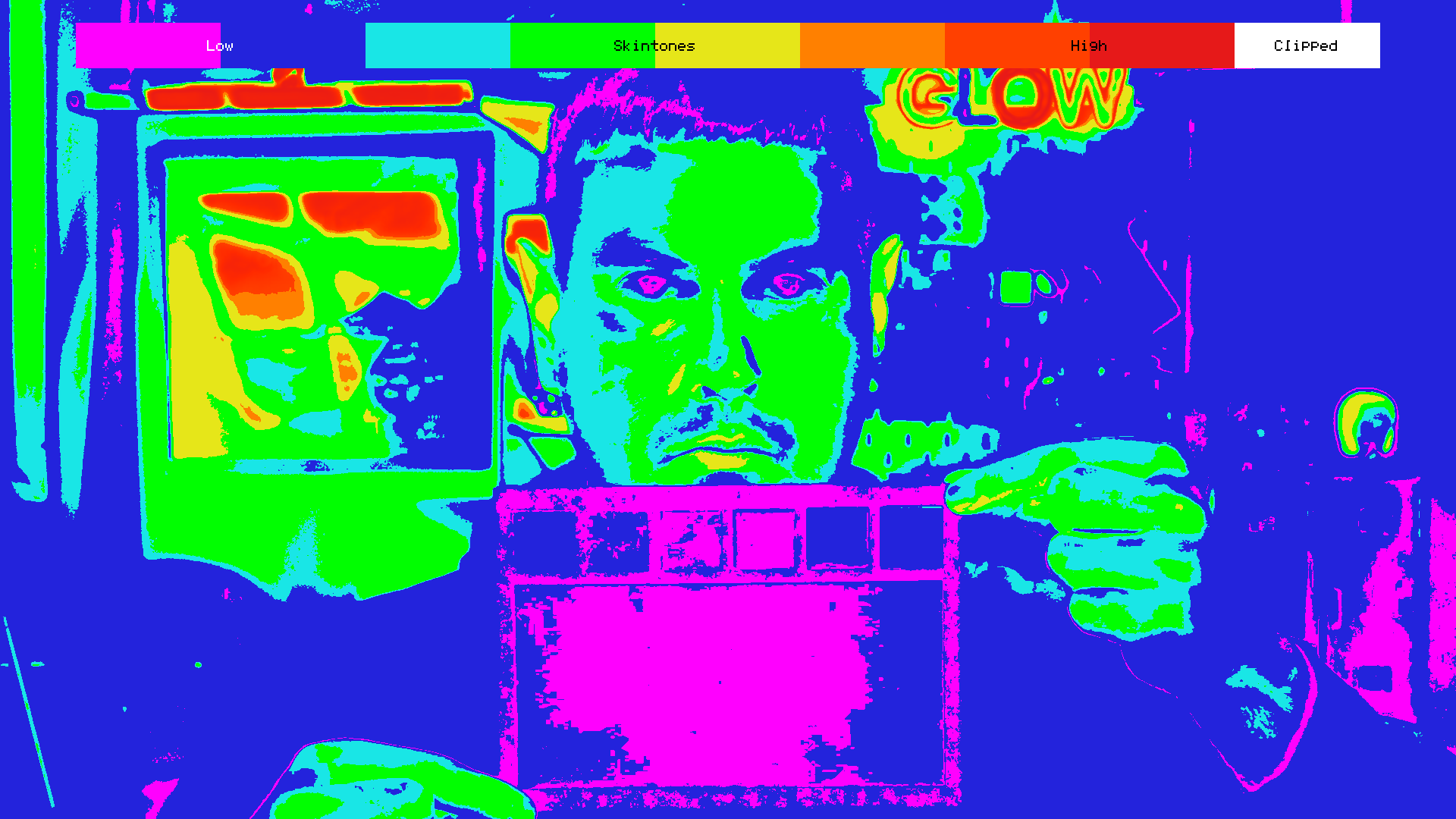
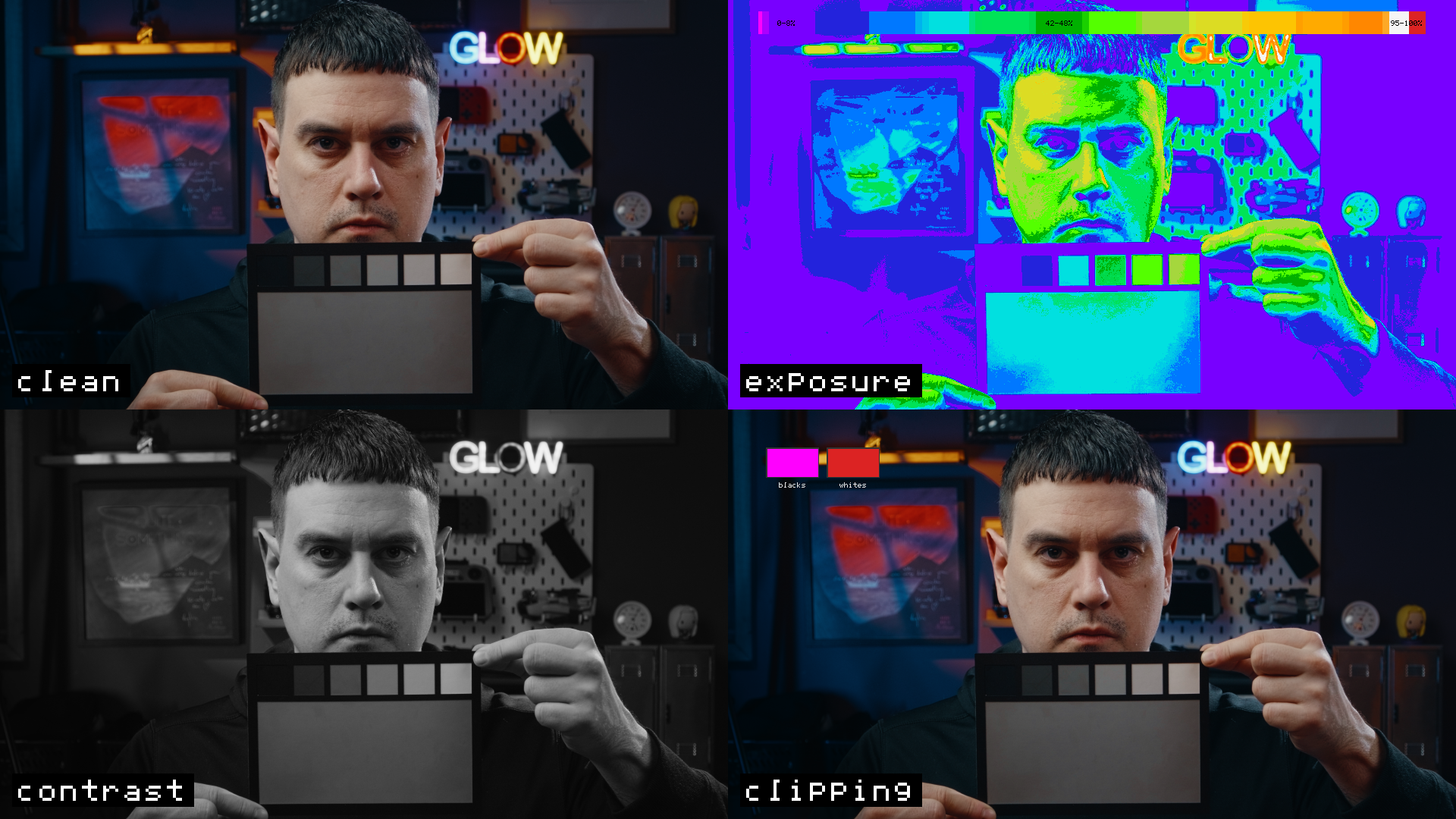
False-color exposure mapping shows brightness levels instantly. Identify clipped highlights, crushed shadows, and proper middle grey at a glance - without relying solely on scopes.
-
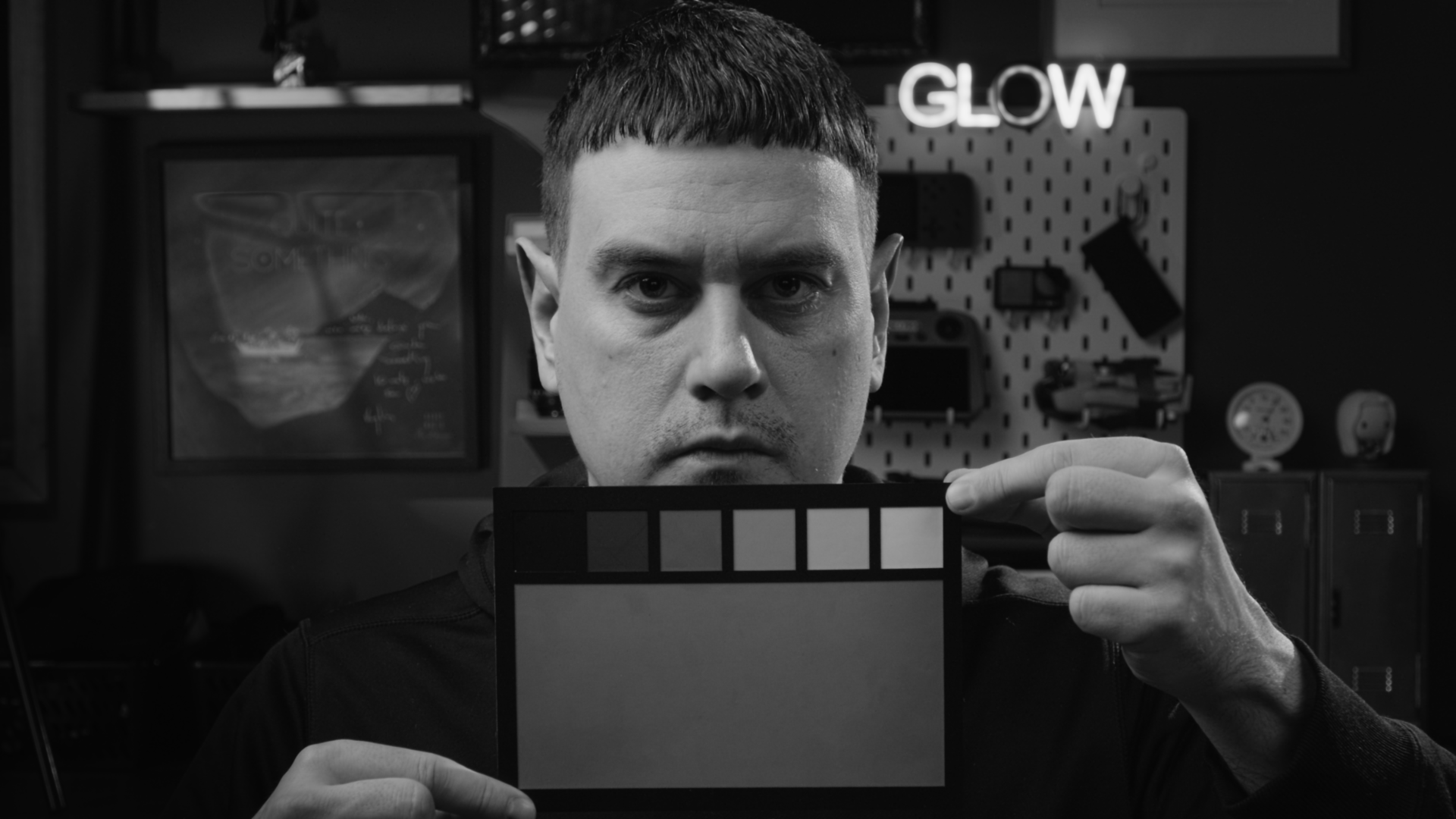
Monochrome contrast view removes color distraction, allowing you to judge tonal separation, depth, and overall contrast more clearly.
-
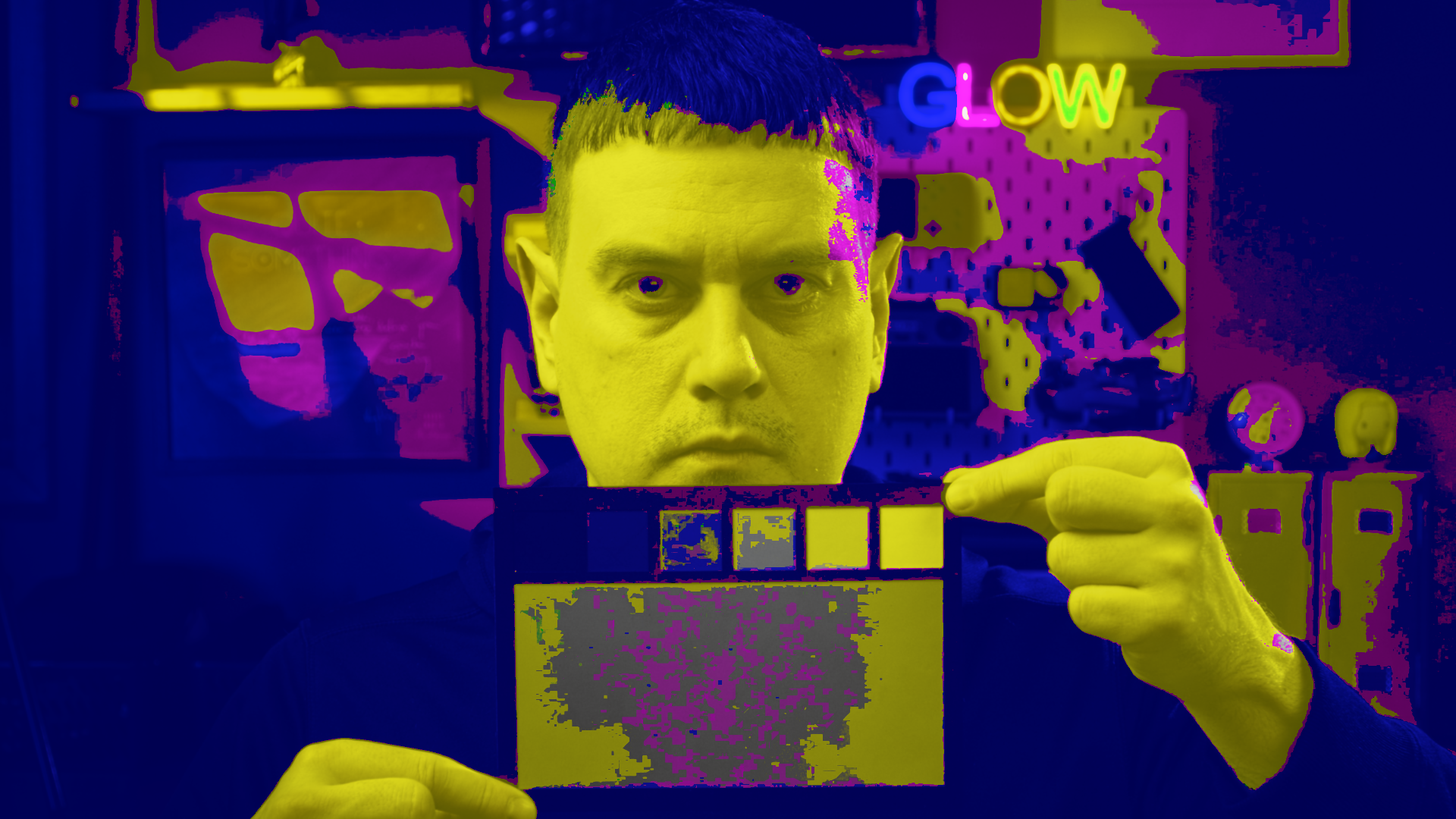
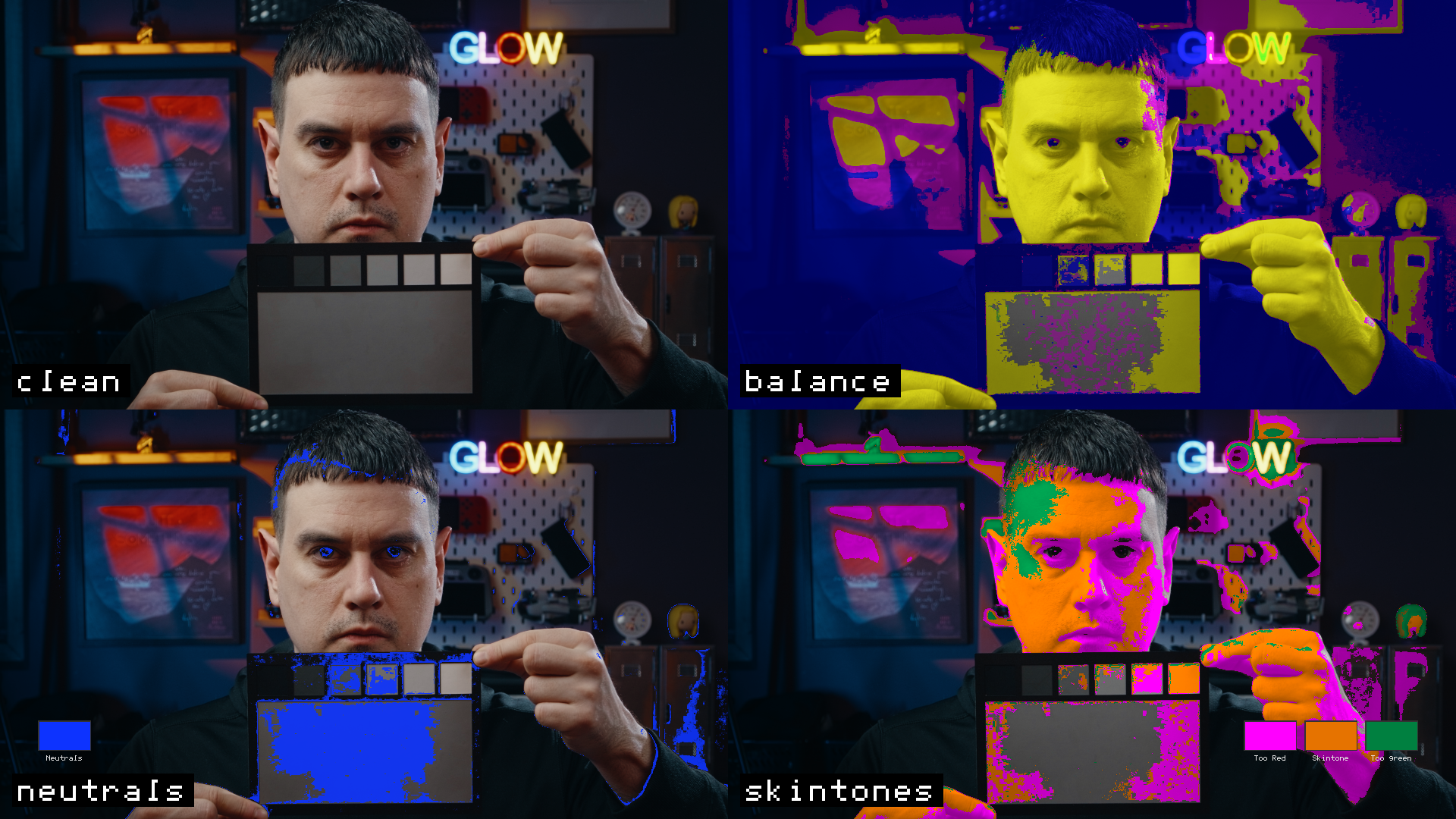
Visual white balance indicator shows dominant color bias across the image. Quickly spot and correct unwanted color casts before moving into creative grading.
-
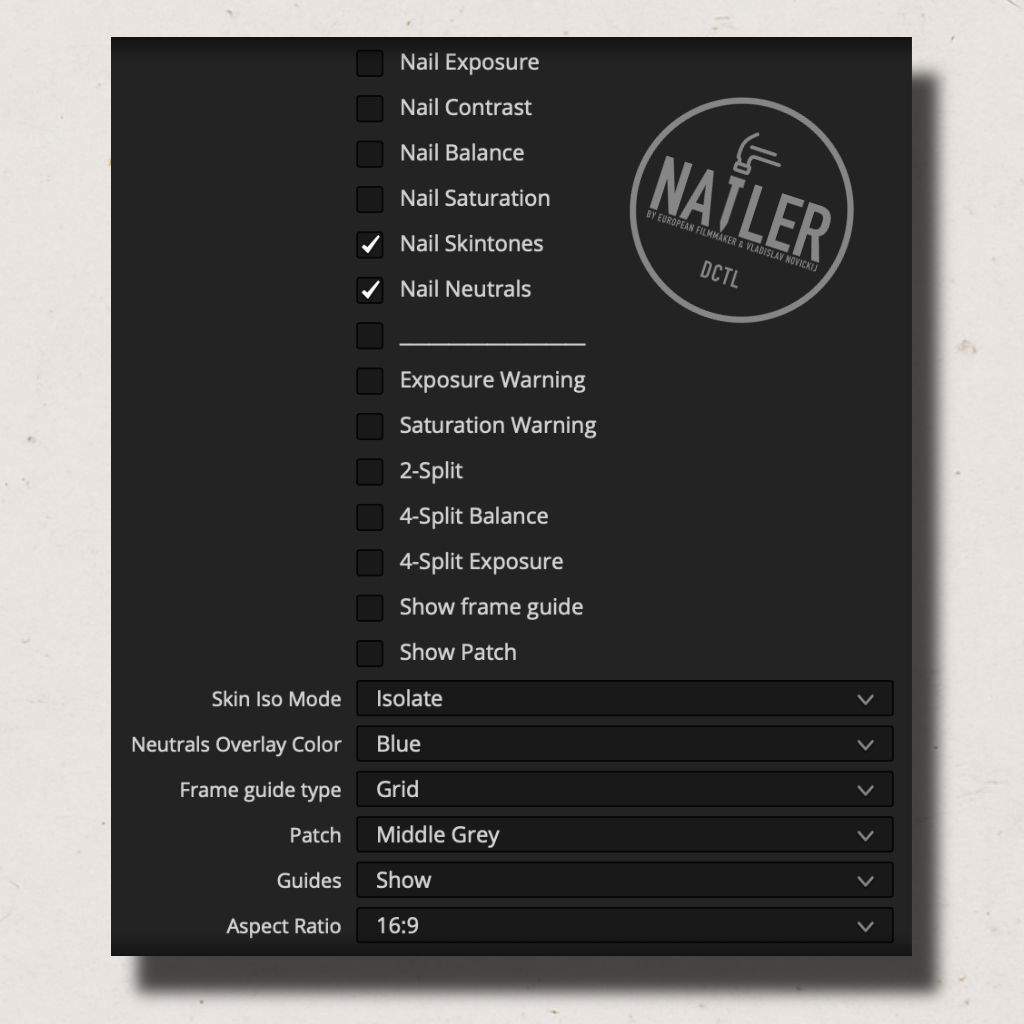
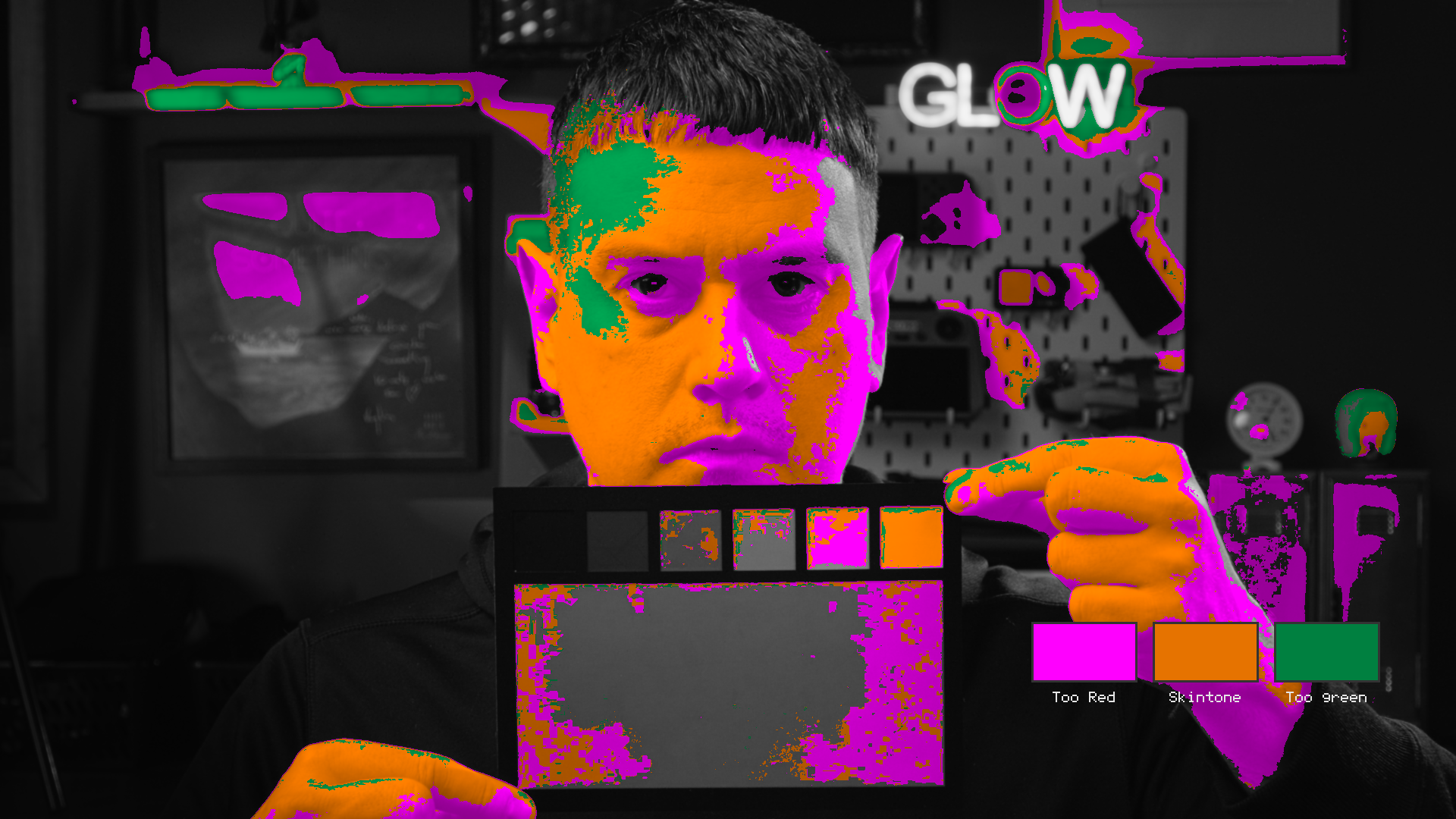
Precisely evaluates skin hue direction and separation. Instantly see when skin tones drift toward green, magenta, or sit in the correct range, with optional isolation for focused adjustments.
-
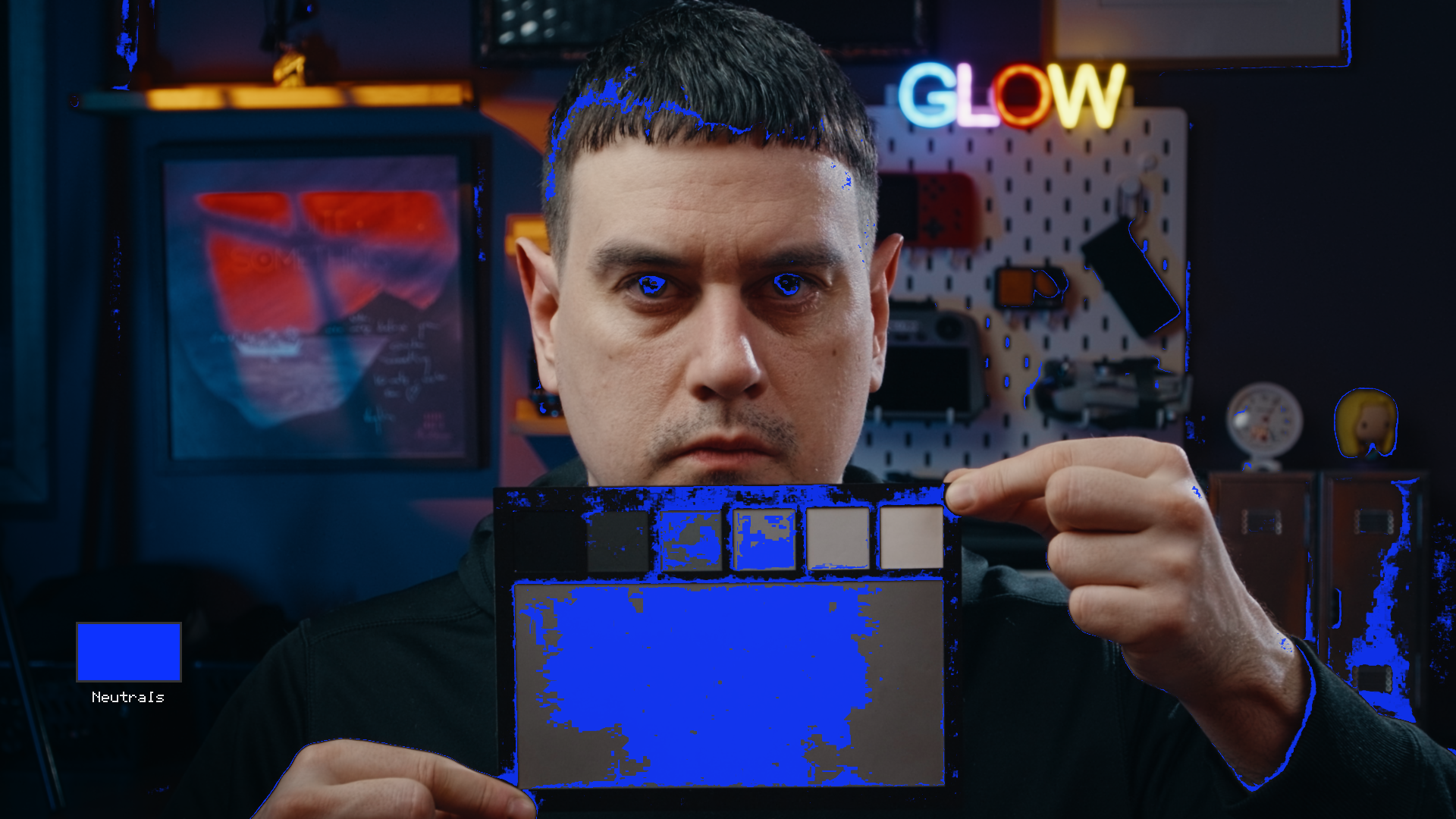
Identify true blacks, greys, and whites by detecting near-perfect RGB balance. Helps you clean up color casts and keep neutral areas truly neutral.
-
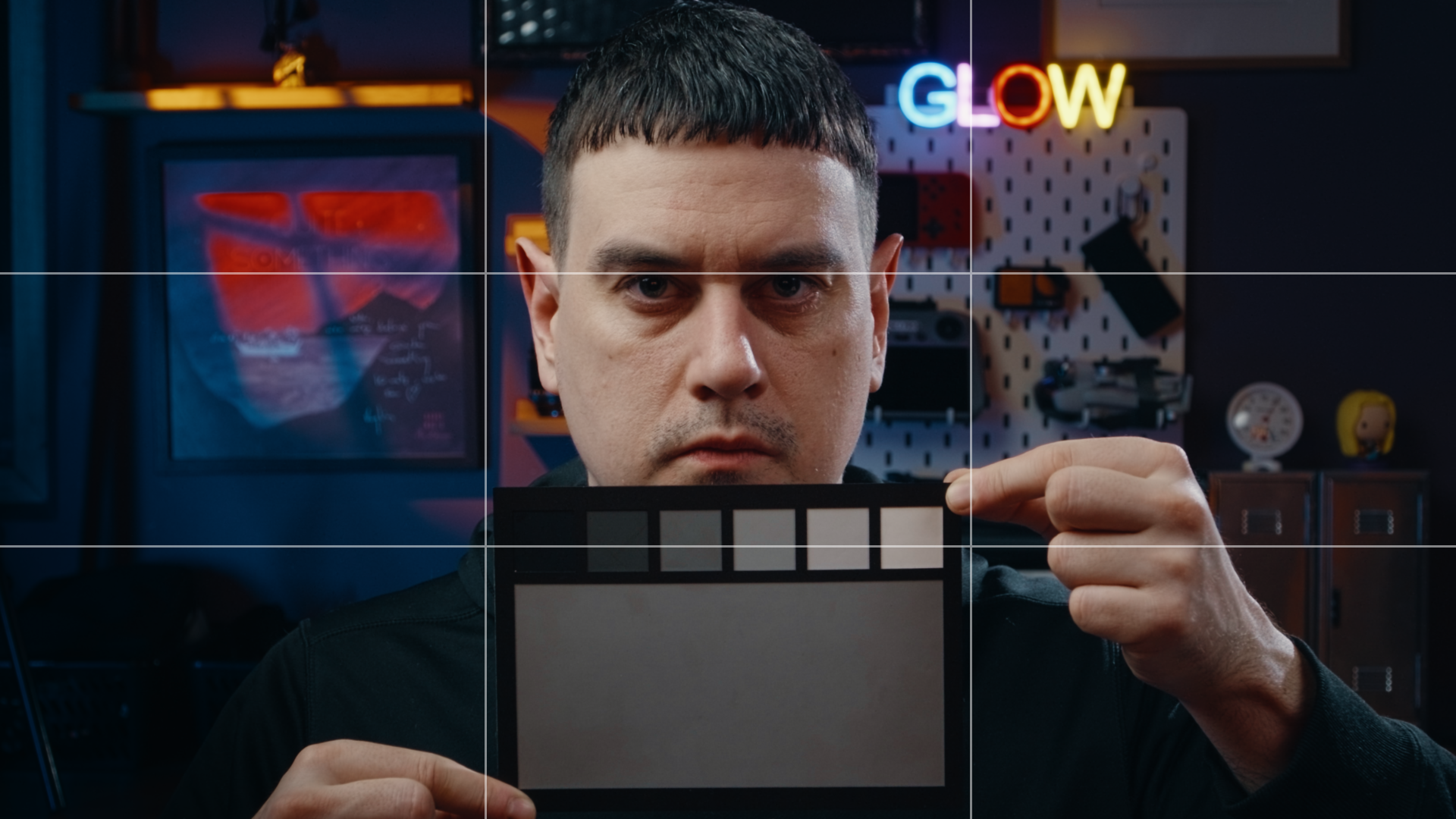
Built-in overlays including rule-of-thirds grid, diagonals, and center markers help you evaluate framing and composition directly in your grade.
-
Middle grey and grayscale ramp patches provide reliable reference points for exposure, contrast, and split-toning decisions.
FAQs
-
NAILER is a visual indicator plugin for DaVinci Resolve Studio. It helps you evaluate exposure, skin tones, saturation, contrast, balance, and neutrals using clear, real-time color overlays directly on the image.
-
No. NAILER is designed to work alongside scopes, not replace them. It turns technical data into visual feedback so you can make faster decisions without constantly shifting your focus away from the image.
-
Yes. NAILER is a DCTL plugin for DaVinci Resolve Studio and will not work in the free version of Resolve.
-
NAILER operates in Rec.709 and is intended to be applied after your output conversion (or at the timeline level). This ensures the indicators reflect what you’re actually delivering.
-
NAILER is lightweight and designed for real-time use. Since it’s an analysis and visualization tool, performance impact is minimal on modern systems. You can disable or remove it once your adjustments are done.
When using this DCTL for the first time, especially on less powerful systems, DaVinci Resolve may take several minutes to properly load and process it.This is expected behavior during the initial setup. After the first successful load, the DCTL will be cached and subsequent use in all projects will be smooth, without any delays.
-
Yes. Even if you’re new to color grading, NAILER helps you see what’s happening instead of guessing. For experienced colorists, it acts as a fast verification and precision tool.
-
Yes. NAILER is excellent for analyzing reference frames, movie stills, or photographs to understand exposure, contrast, and color balance before matching your own footage.
-
Due to the nature of digital products, all sales are final. Once the plugin is downloaded, refunds are not available. Please make sure DaVinci Resolve Studio compatibility is confirmed before purchasing.