
Grade in a different key.
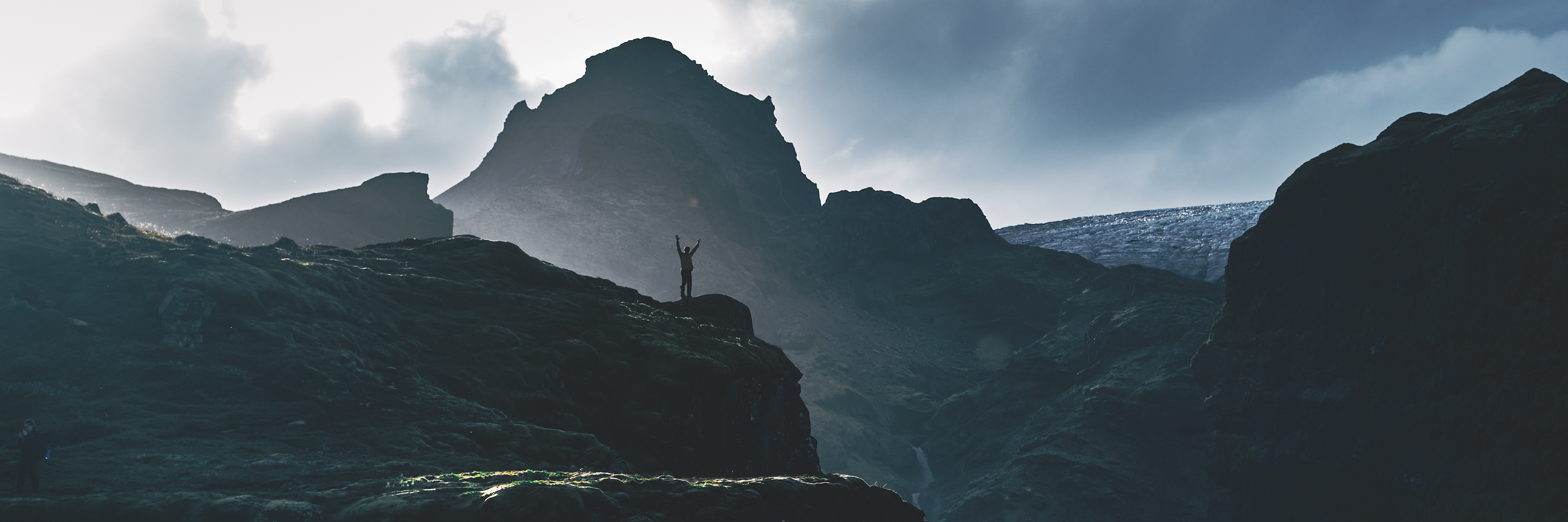
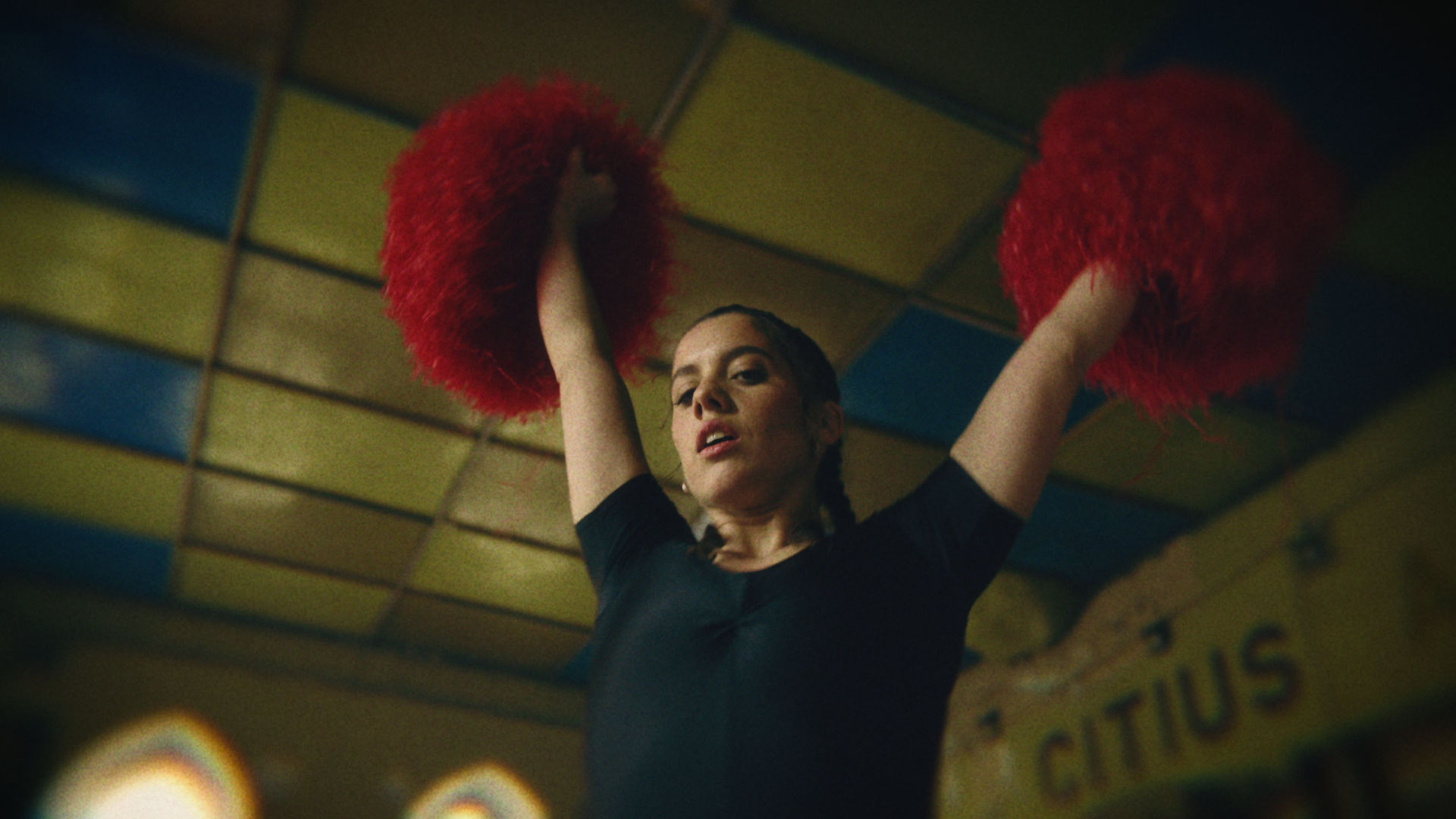
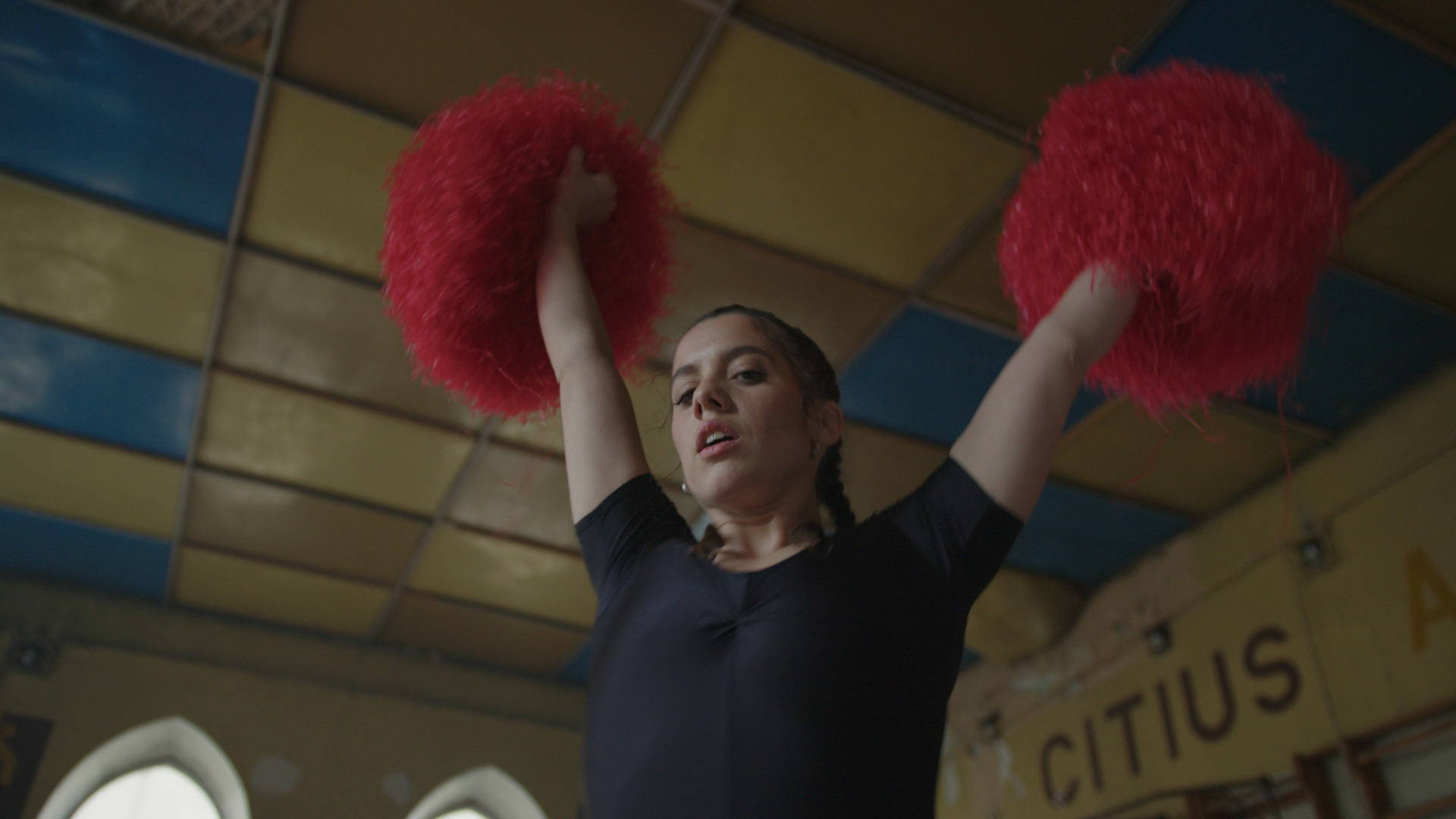
Aftertone is a look development plugin for DaVinci Resolve. It sits at the end of your grade and gives the image a finished character:
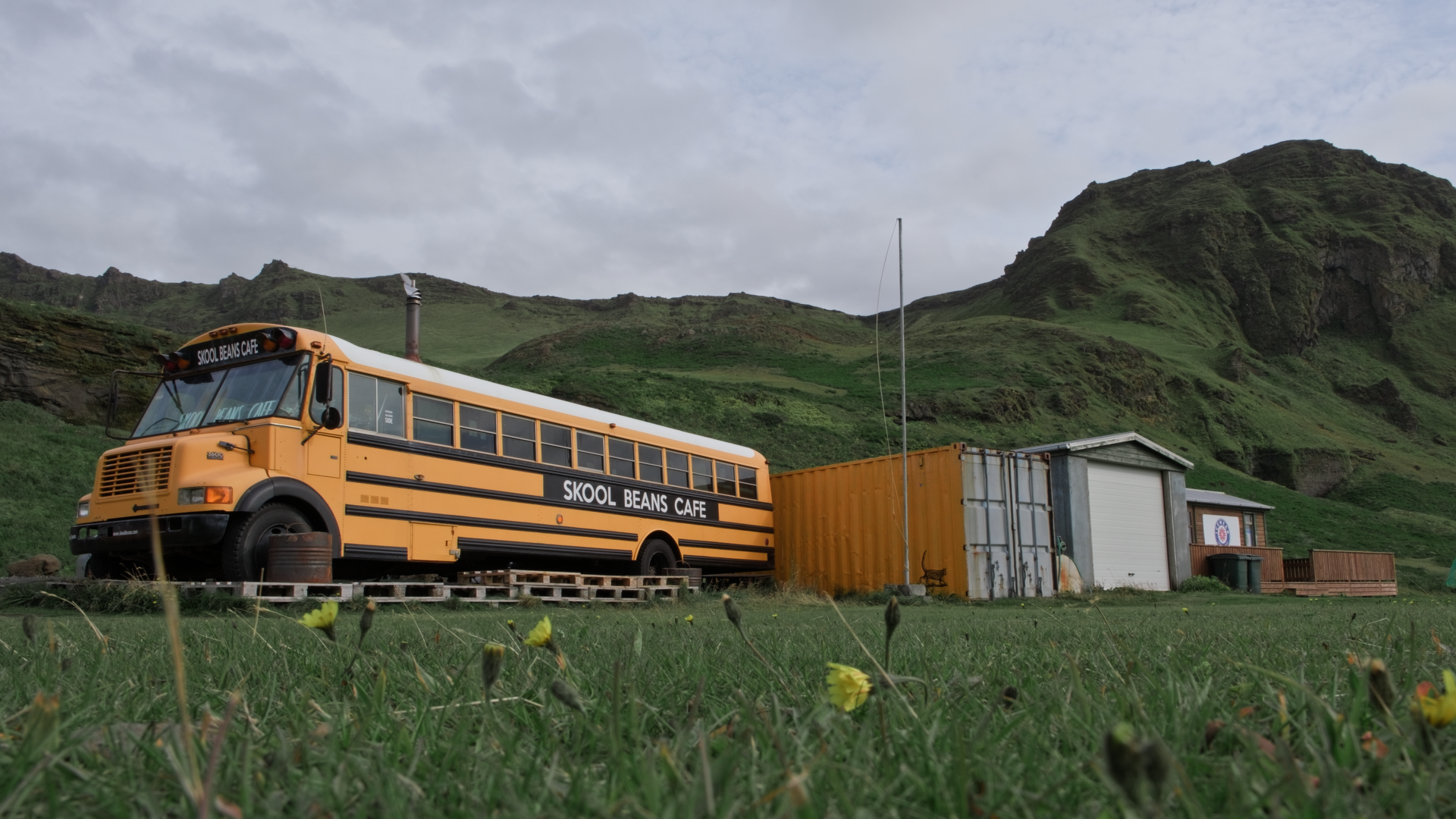
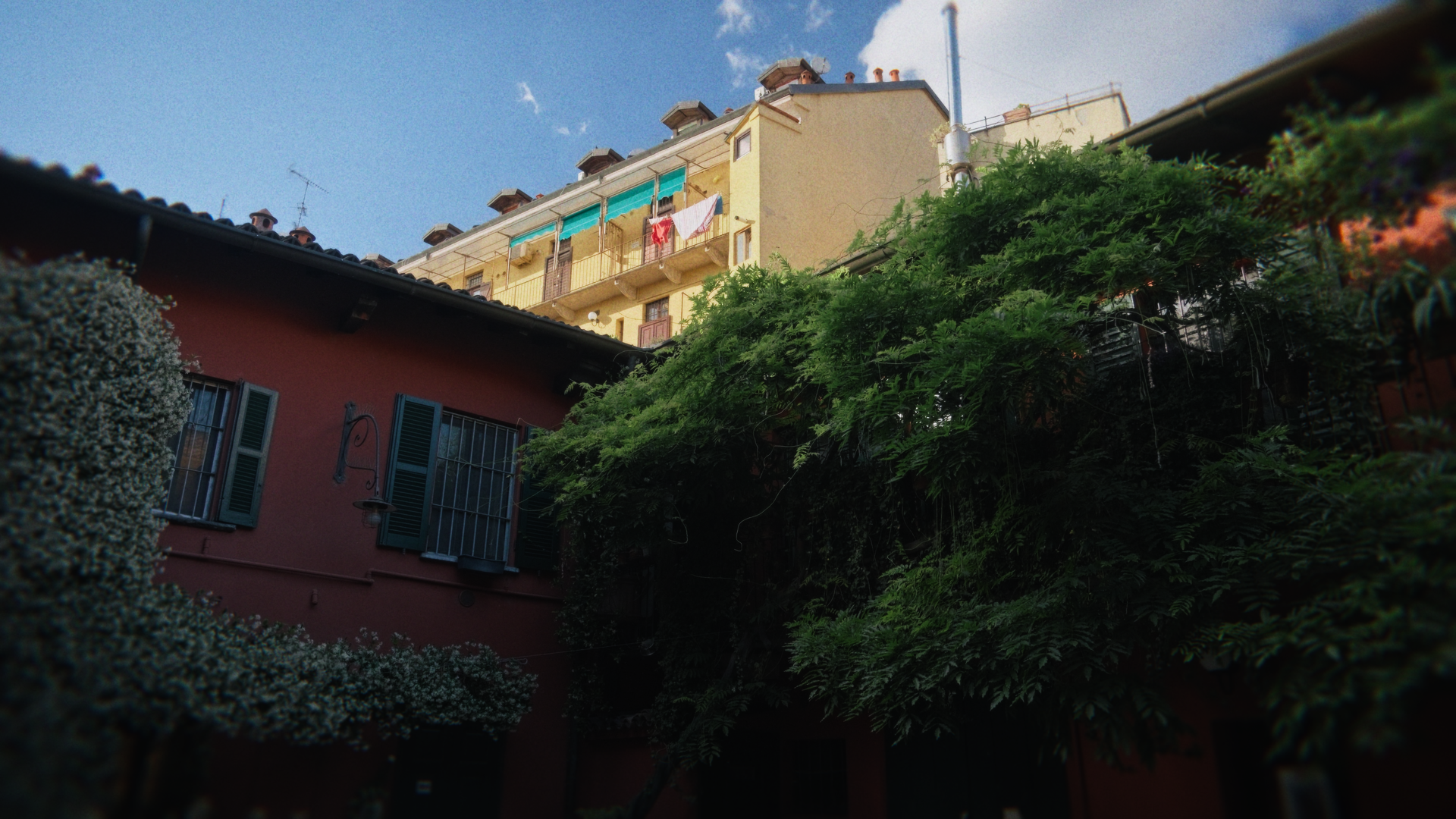
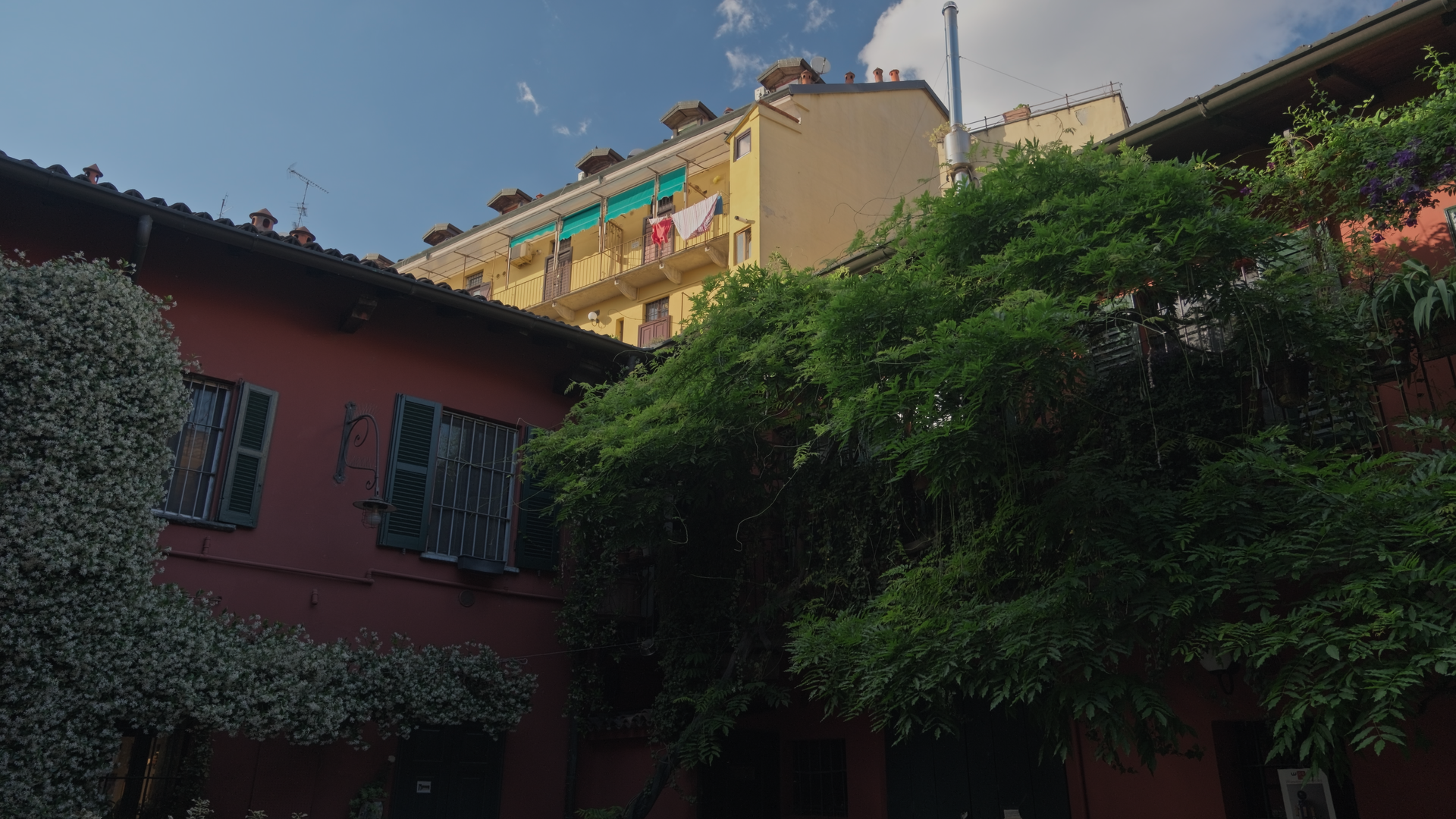
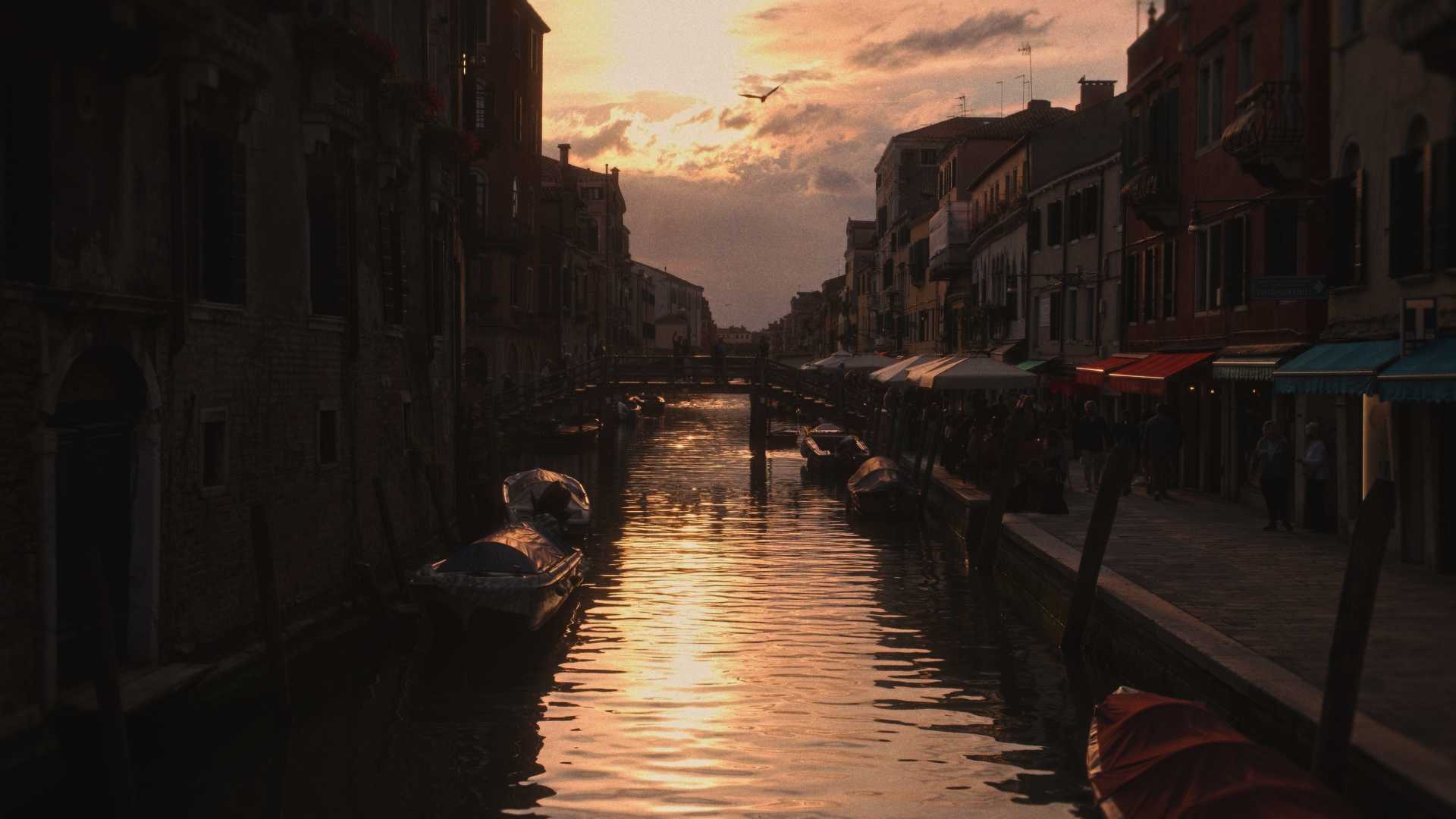
look, filmic contrast, split-toning, halation, diffusion, grain.
Ten complete looks are built in - each one authored by hand, not generated.
It is not a film emulation. Nothing here pretends to be a stock. Aftertone borrows what film got right - the way color settles,
texture you feel before you see it - and leaves the taste to you.
-
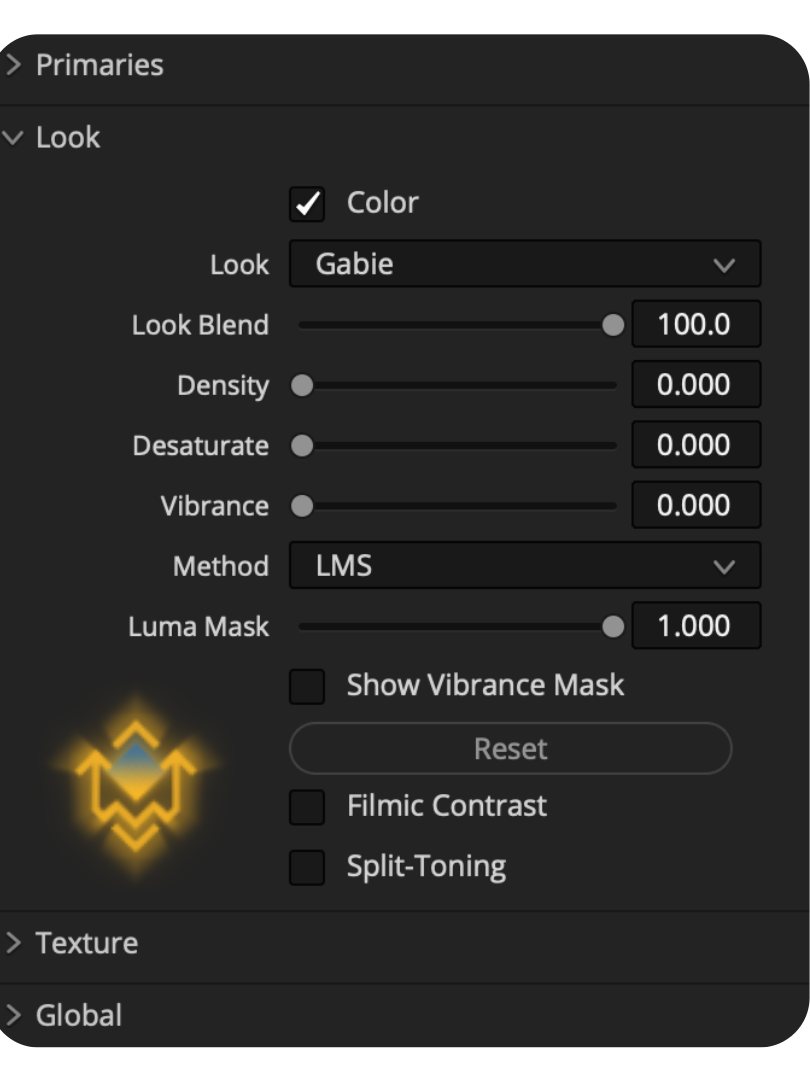
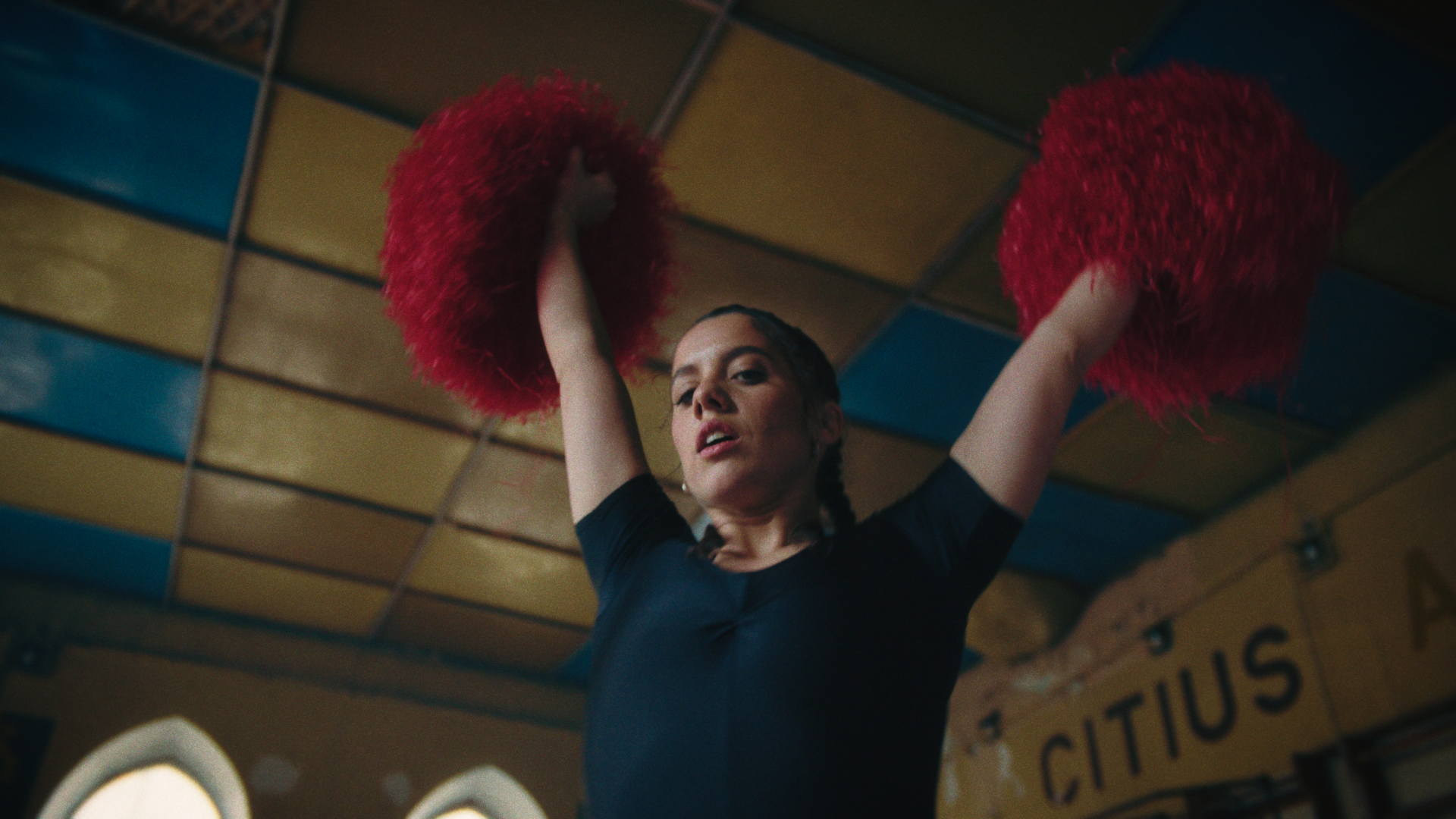
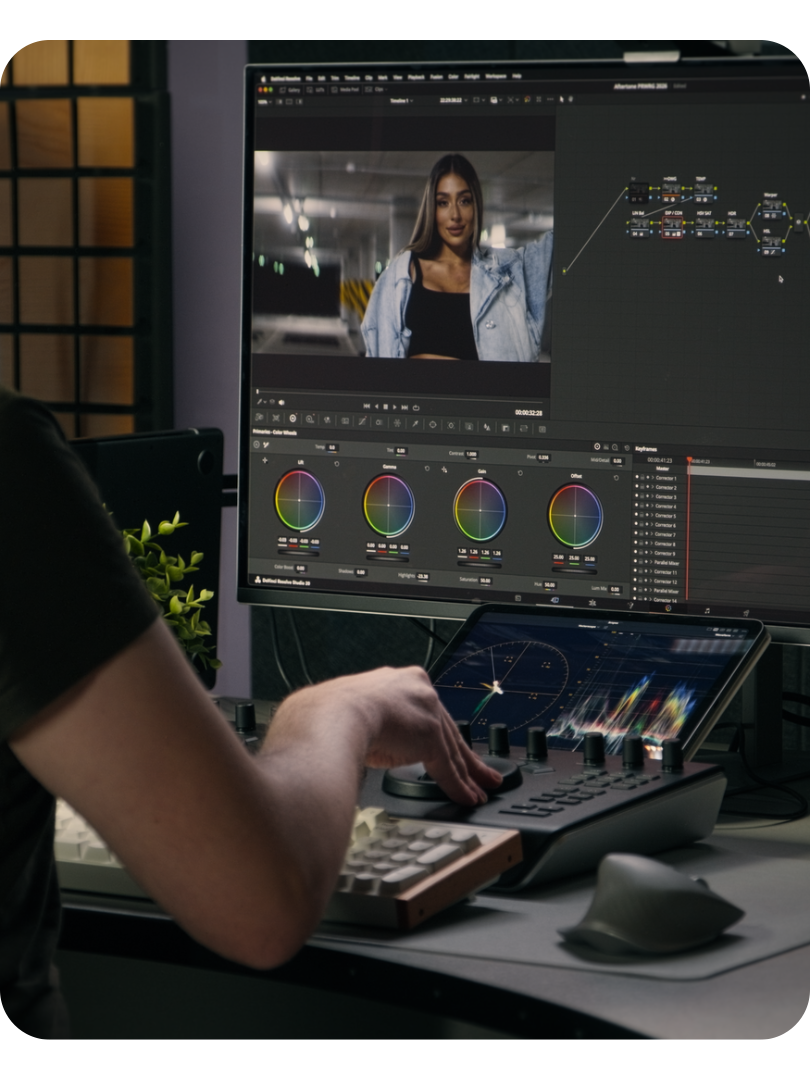
Primaries, looks, filmic contrast, split-toning and texture, all on a single node in your log working space.
-
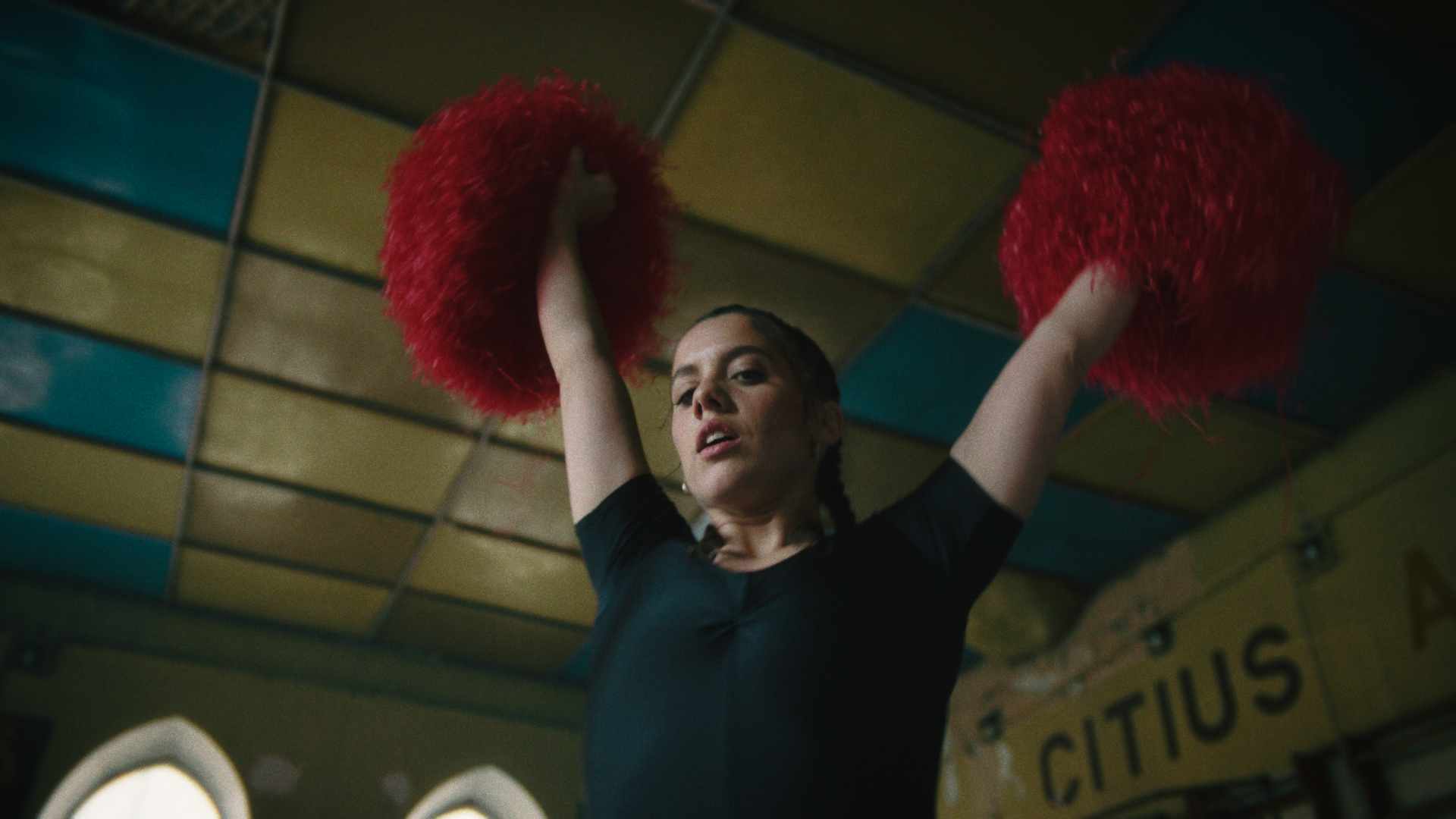
Start from a built-in look, or from nothing. Shape it, then save it as your own preset.
-
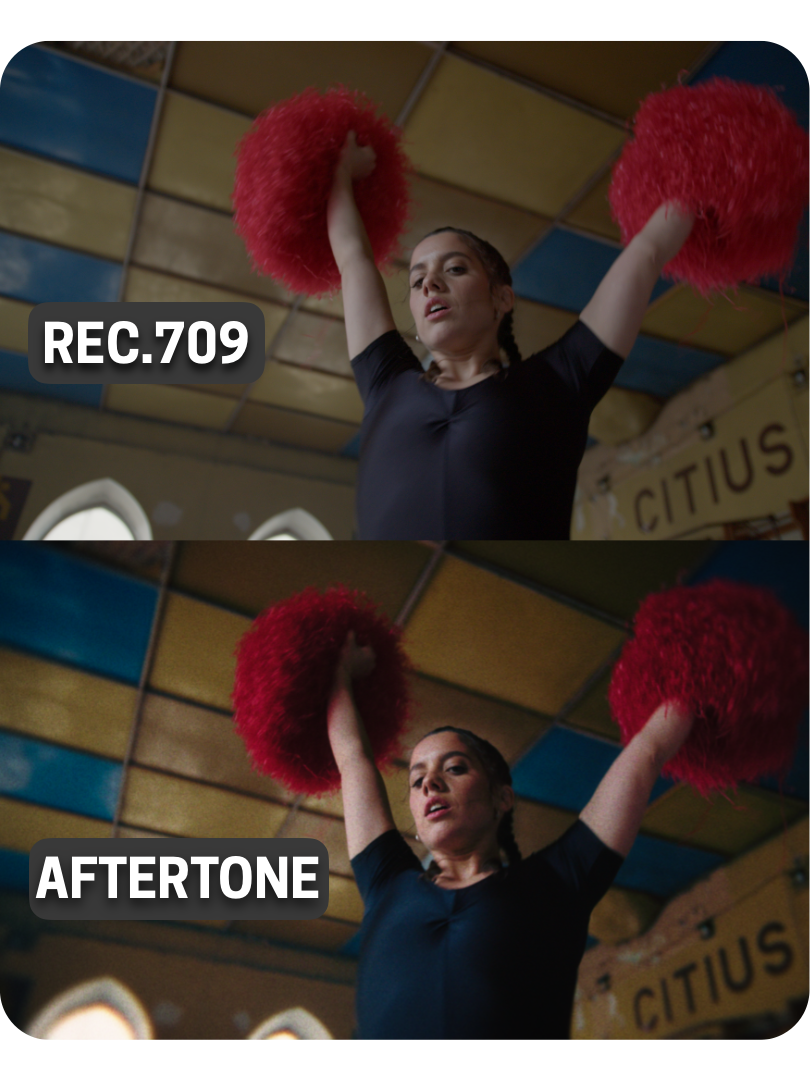
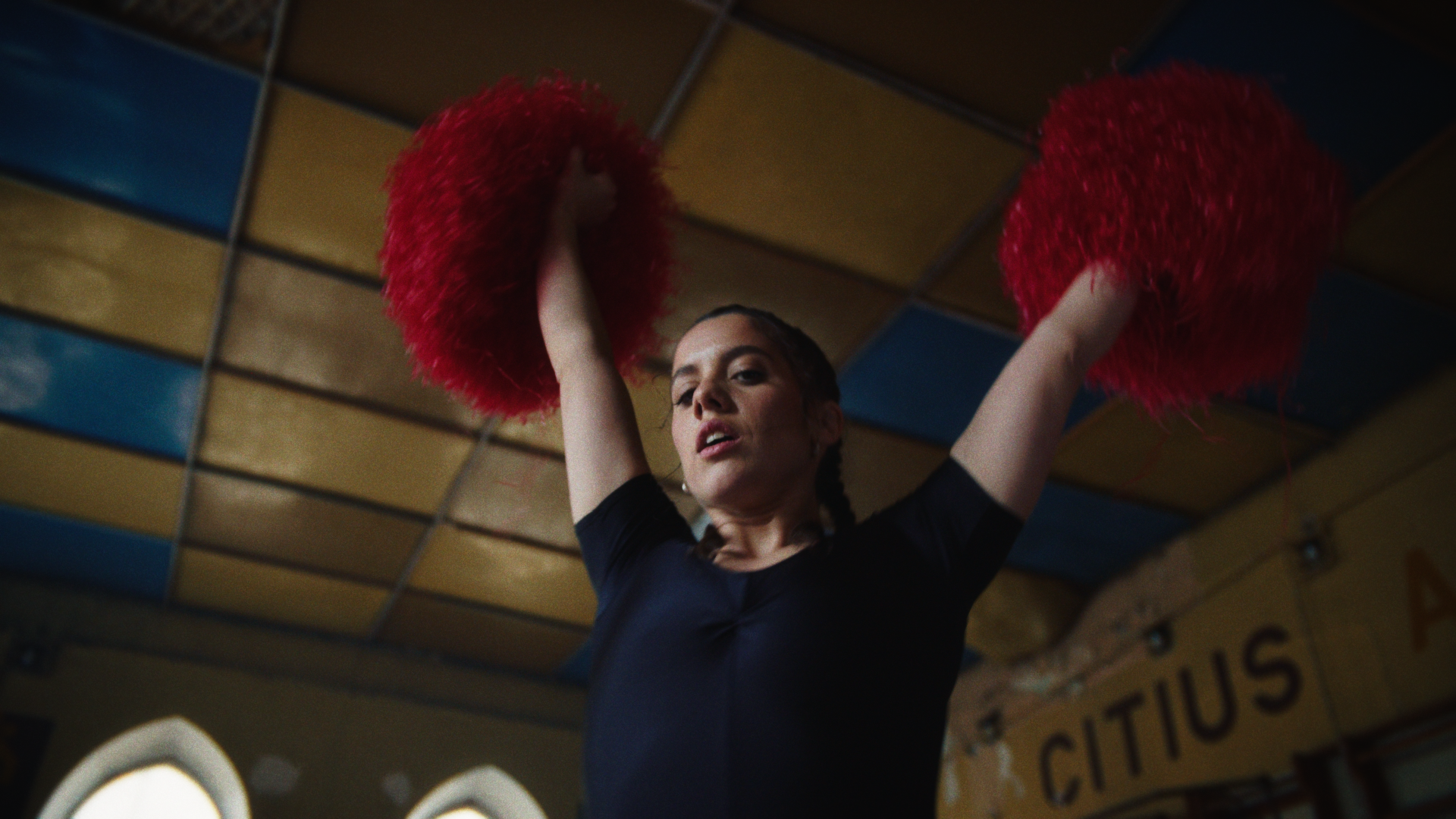
Adjust the grade beneath it without disturbing the look, or swap the look without touching the grade.
WHAT’S INSIDE?
-
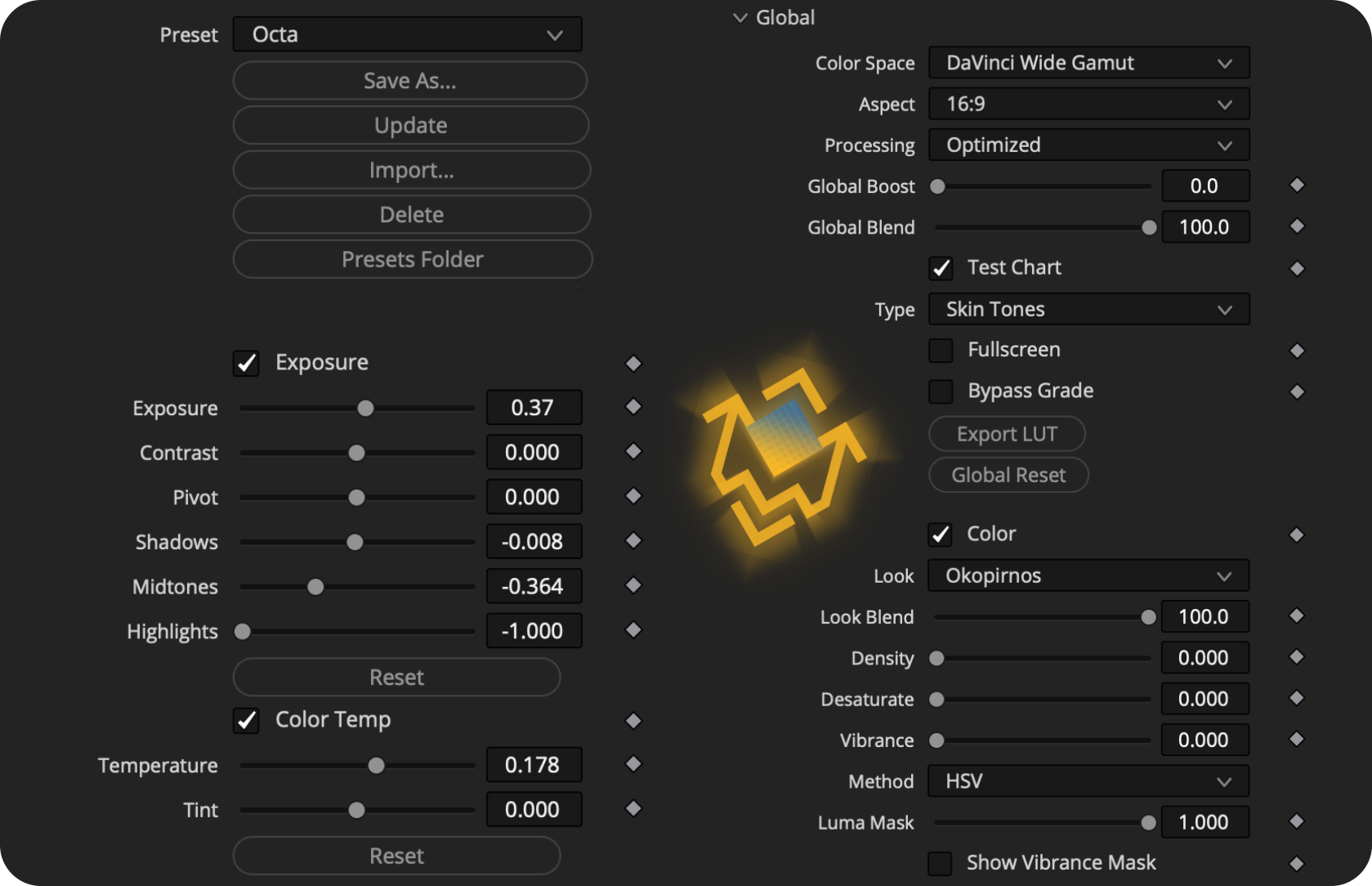
Complete looks in one click. Each one sets a look, a matched contrast curve and, where it suits, split-toning, and leaves your primaries and texture alone so you can audition looks without losing your setup. Below the built-ins sit your own: save, update, import, delete, and share them as files.
-
The corrections that belong before a look. Exposure in stops, linear contrast about a pivot that lands on true middle gray, shadows, midtones and highlights that overlap into one shaped adjustment, and a perceptual temperature and tint that behaves like a white balance change on set.
-
The creative core. A look is a full color transform, so it's the biggest decision on the panel; blend it back, add density for weight, vibrance for life. Then Filmic Contrast with independent shoulder and toe, and Split-Toning with solid or gradient hues, an adjustable boundary and protection for pure black and white.
-
Six tools in the order light meets them: unsharpen, diffusion, diopter and vignette for the glass, halation and grain for the medium.
-
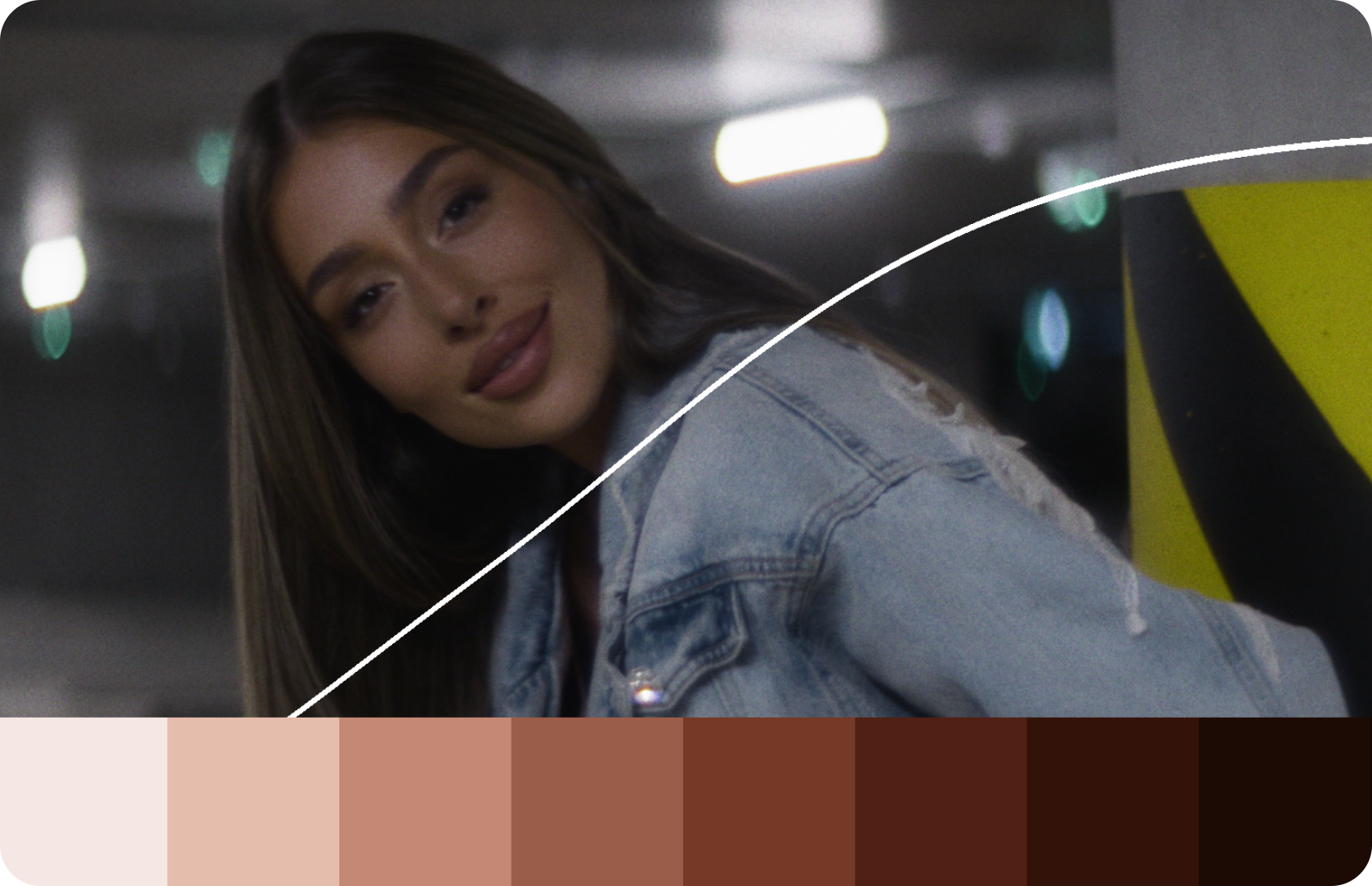
Set the color space once and everything calibrates to it, from DaVinci Wide Gamut to LogC3, LogC4, ACEScct and Blackmagic Film Gen 5. Boost pushes the whole look past 100; Blend pulls it back. A test chart shows what the look does to skin and a neutral ramp, and the grade exports as a 33-point LUT.
-
Your license, entered once and kept on the machine, with no account and no internet required. Deactivate when you leave a shared suite, and the key is yours to use again.
Built on a Trusted Workflow
-
![Colorful circular logo with three sections on a beach background]()
★★★★★
“Bro, you just nailed this! Thank you for your tremendous insights!”
— @ClaLearnDavinci
-
![Black and white electric guitar with a strap]()
★★★★★
“Truly amazing teacher. iam grateful to you. “
— @heafyxiu
-
![Person in a boat on a lake with waterfalls in the background.]()
★★★★★
“Thank you so much you just solved my problem with iphone footages I was having since last two years”
— @devendrapisda3528
-
![A man wearing glasses and a hat, smiling broadly, with the word 'RAH' visible.]()
★★★★★
“Your execution and methods of explaining things are excellent.”
— @Rahproductionsmiami
-
![A person with short, dark hair and a smirk, wearing a shirt with the name "Bobaray" embroidered on it, against a red background.]()
★★★★★
“Very, very, very detailed explanation whole workflow ... amazing !”
— @michaelbobarev
-
![Young man standing outdoors beneath a red flag on a clear day.]()
★★★★★
“Such an amazing way of explaining, hats off mann, thankyou”
— @Makarand.Mohite



FAQs
-
No. Looks are built in, but everything around them is live: contrast, toning and texture respond to your footage and to each other. You can export a LUT from any grade you make, but the plugin isn't one.
-
macOS 11 or later on Apple Silicon or Intel, and DaVinci Resolve 17 or later. The free version of Resolve works. Studio is not required.
-
Not yet. It's coming.
-
DaVinci Wide Gamut, ARRI LogC3, ARRI LogC4, ACEScct and Blackmagic Film Gen 5. Set the Color Space control to match your footage and every tool calibrates itself. A look carries unchanged from one space to another.
-
In your log working space, after your corrections and before any Rec.709 conversion, output LUT or display transform. In DaVinci YRGB Color Managed it can go anywhere. In DaVinci YRGB, keep it before your Color Space Transform to Rec.709.
-
Yes, free. Powergrade owners receive a plugin license by email at no charge.
-
Yes. Without a license Aftertone runs in demo mode: every control works, with a watermark on the image and some presets and looks reserved for the full version.
-
Yes. Save any grade as a preset, update it, import presets from others and share yours as files. They keep loading in later versions.
-
Since this is a digital product delivered instantly, refunds are not available. If you’re unsure whether this workflow fits your setup, please check the documentation or contact me before purchasing.