Make your grade consistent.

WHAT IS AFTERTONE?
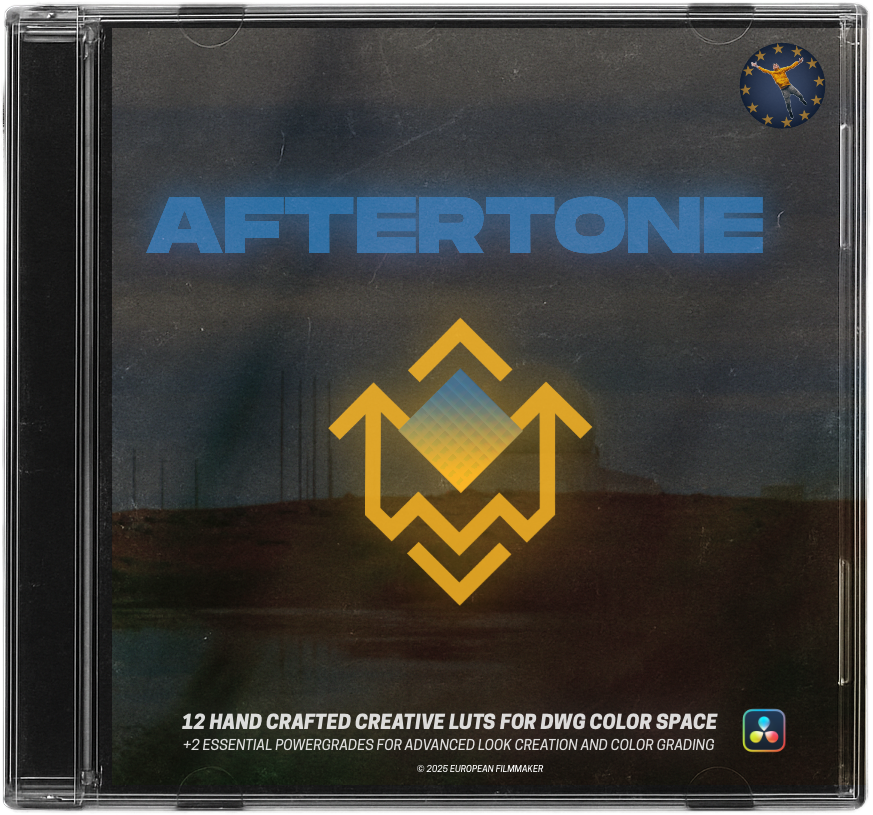
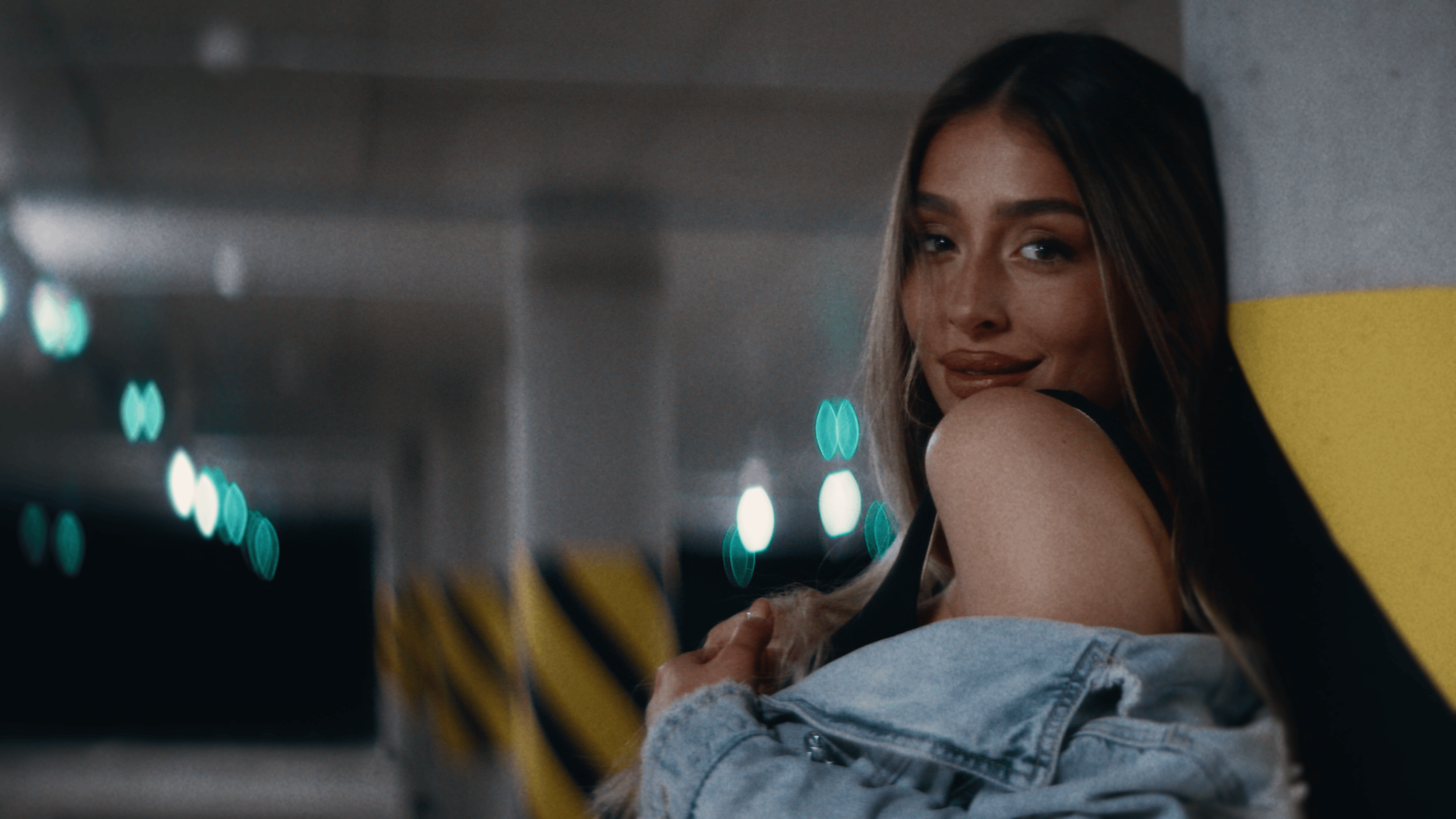
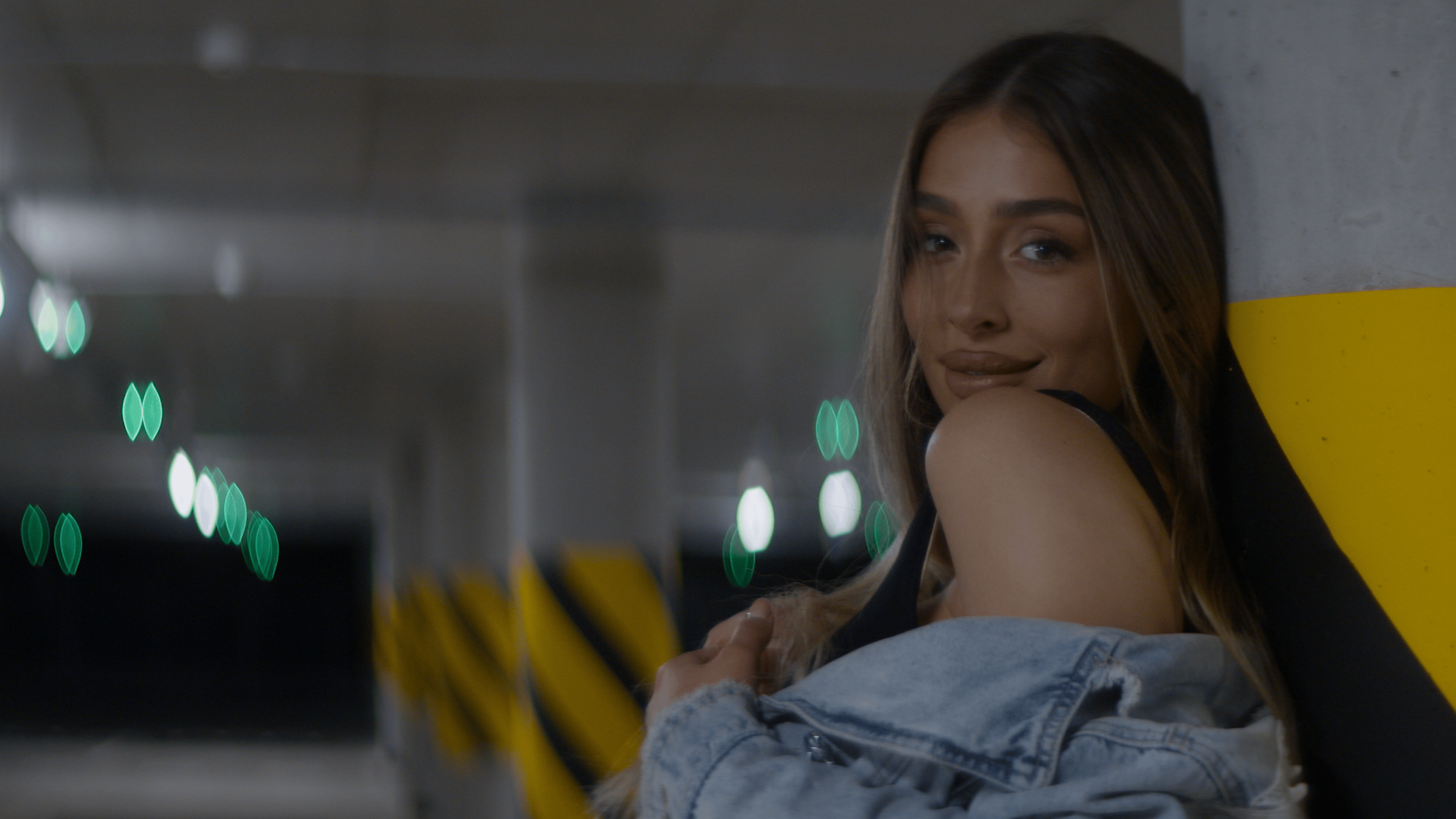
AFTERTONE is a filmic color grading workflow for DaVinci Resolve, combining creative LUTs and
professional PowerGrades to help you achieve consistent, confident results.
Coming from a background in both filmmaking and music, this workflow is built around the idea that color - like sound - carries emotion through tone, contrast, and texture. Each look is shaped with that mindset in mind, giving you a clear starting point that feels intentional rather than technical. Choose a look, make a few focused adjustments, and stay in control of your grade without breaking your workflow.
-
PRO tools at your fingertips
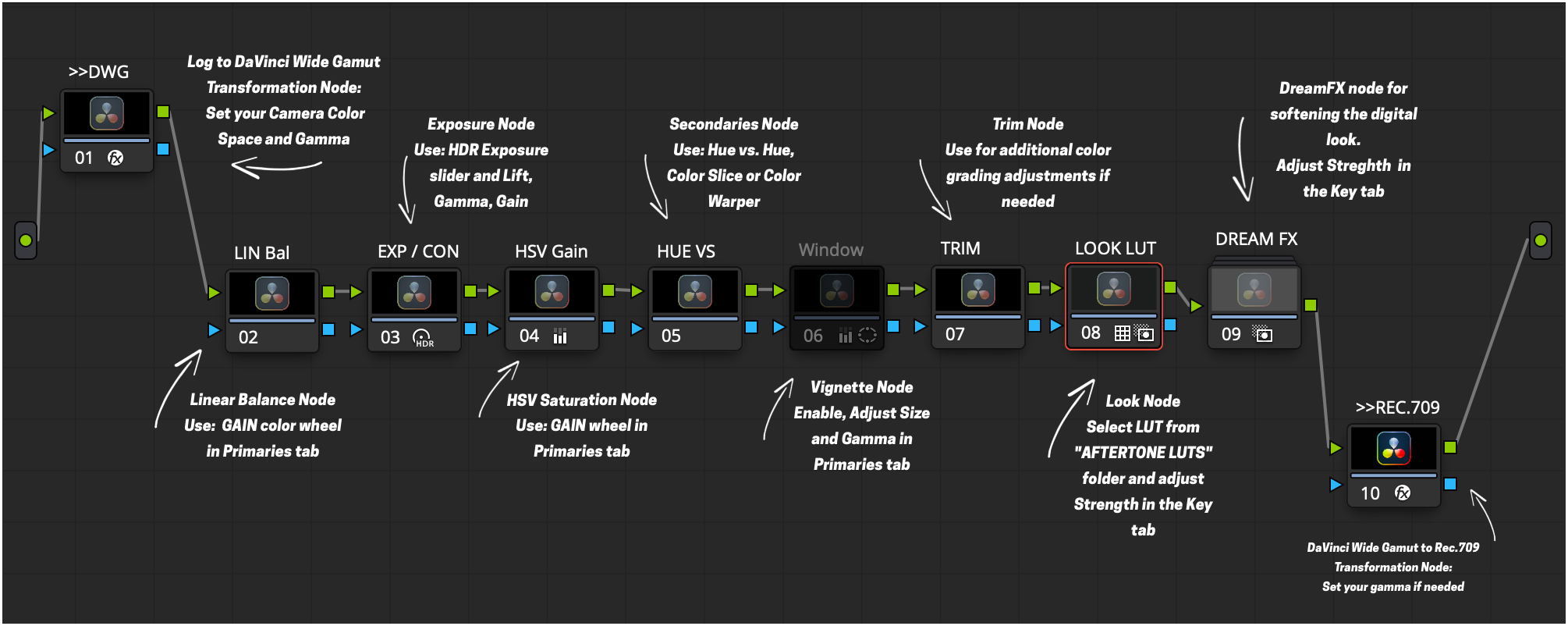
Ready-to-use PowerGrades. One-click templates designed for fast, professional results. Drop them onto your footage, adjust, choose your look, and you’re good to go. -

creative looks
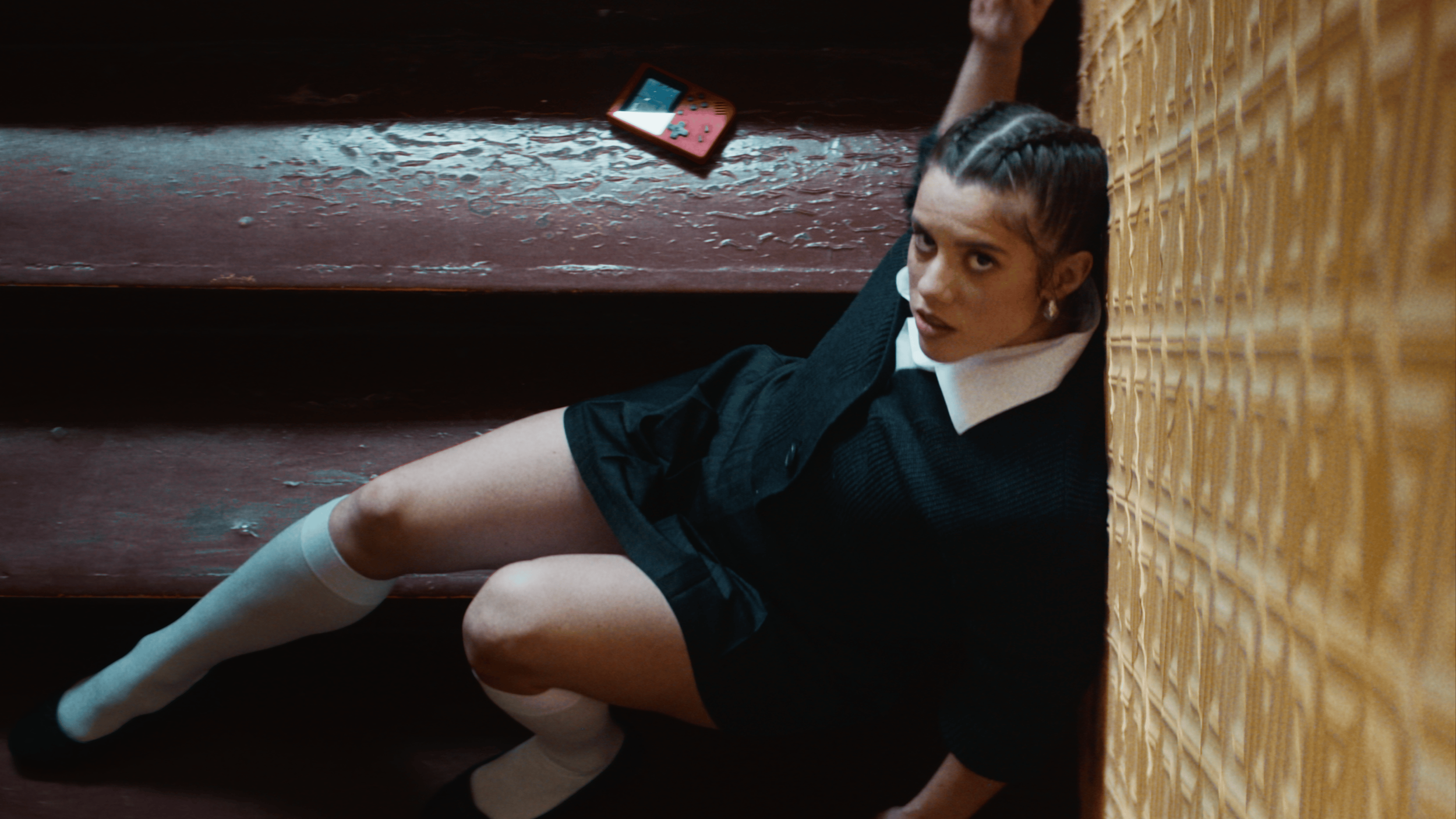
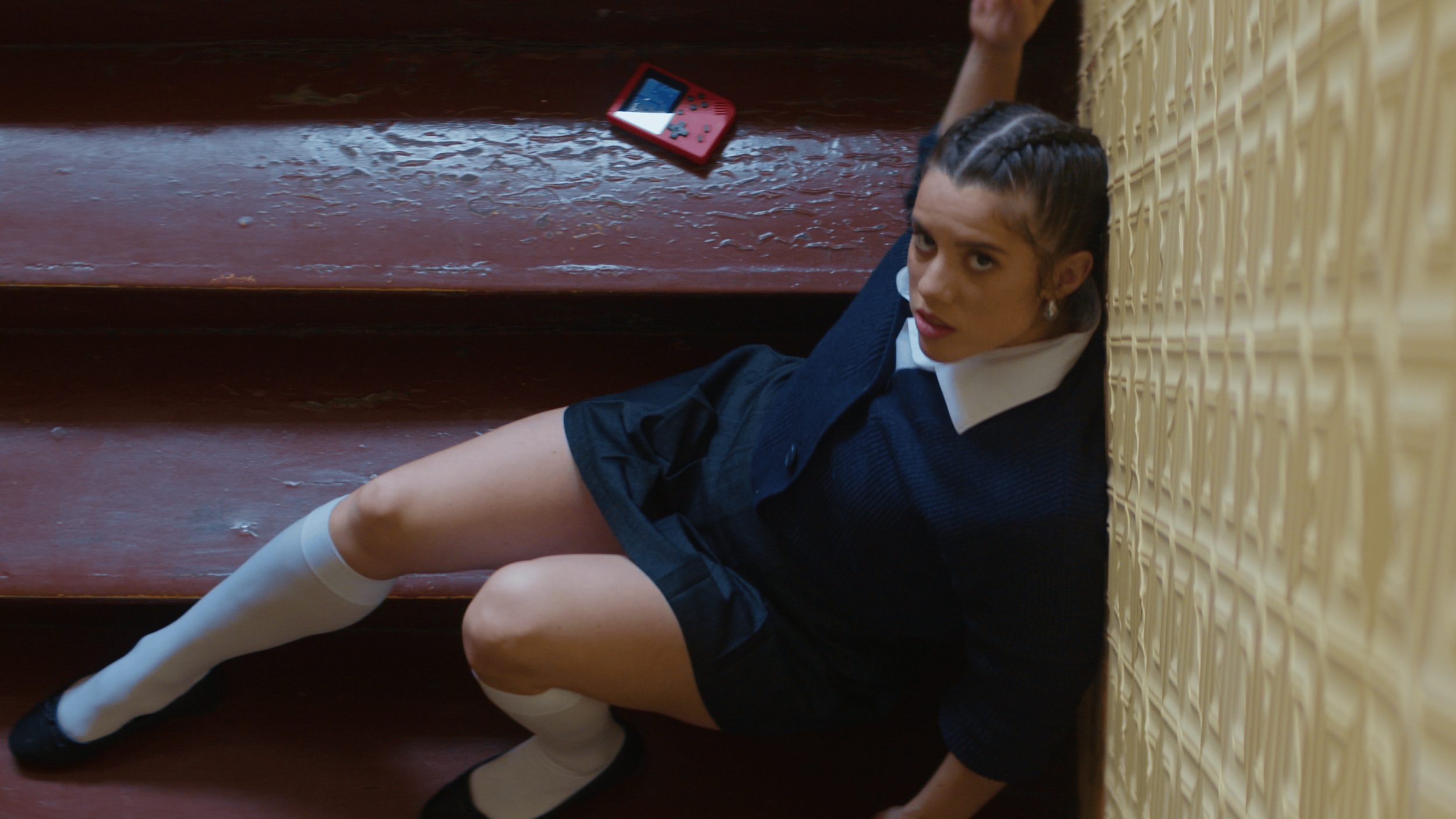
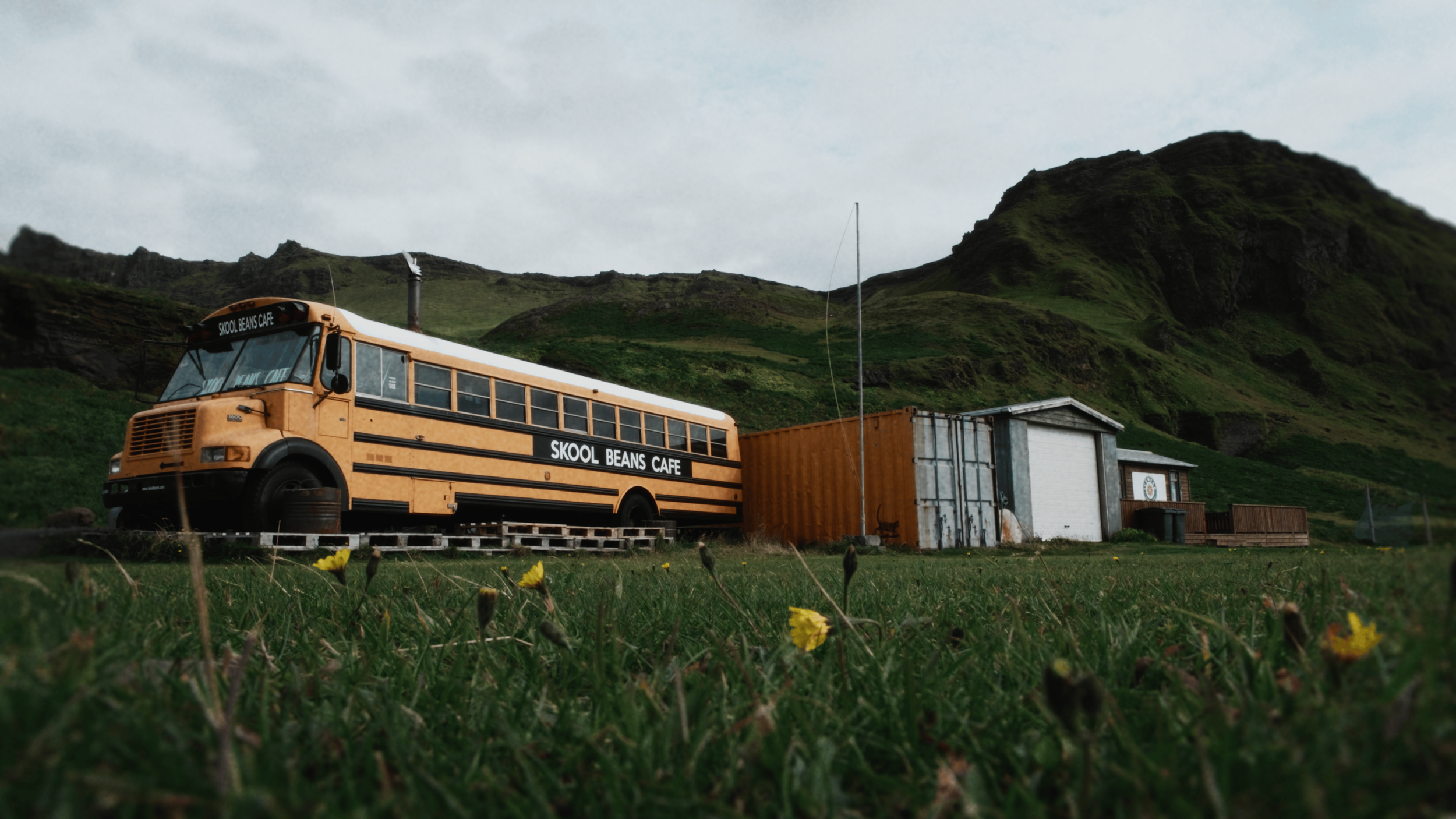
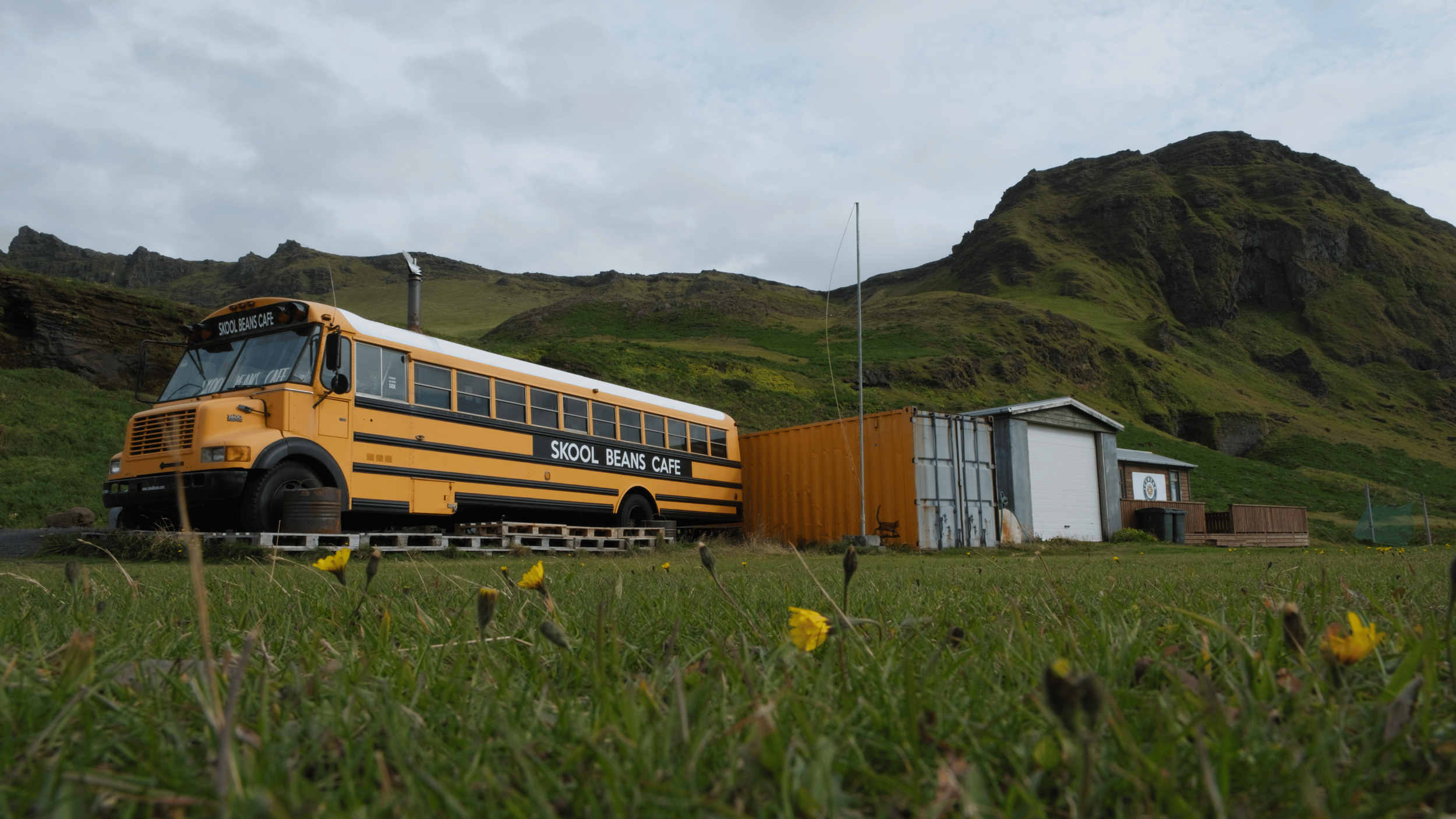
Choose between 13 hand-crafted creative looks. All LUTs are designed for the DaVinci Wide Gamut color space, offering a range from warm golden tones to cool, moody aesthetics. -
FEEL CONFIDENT
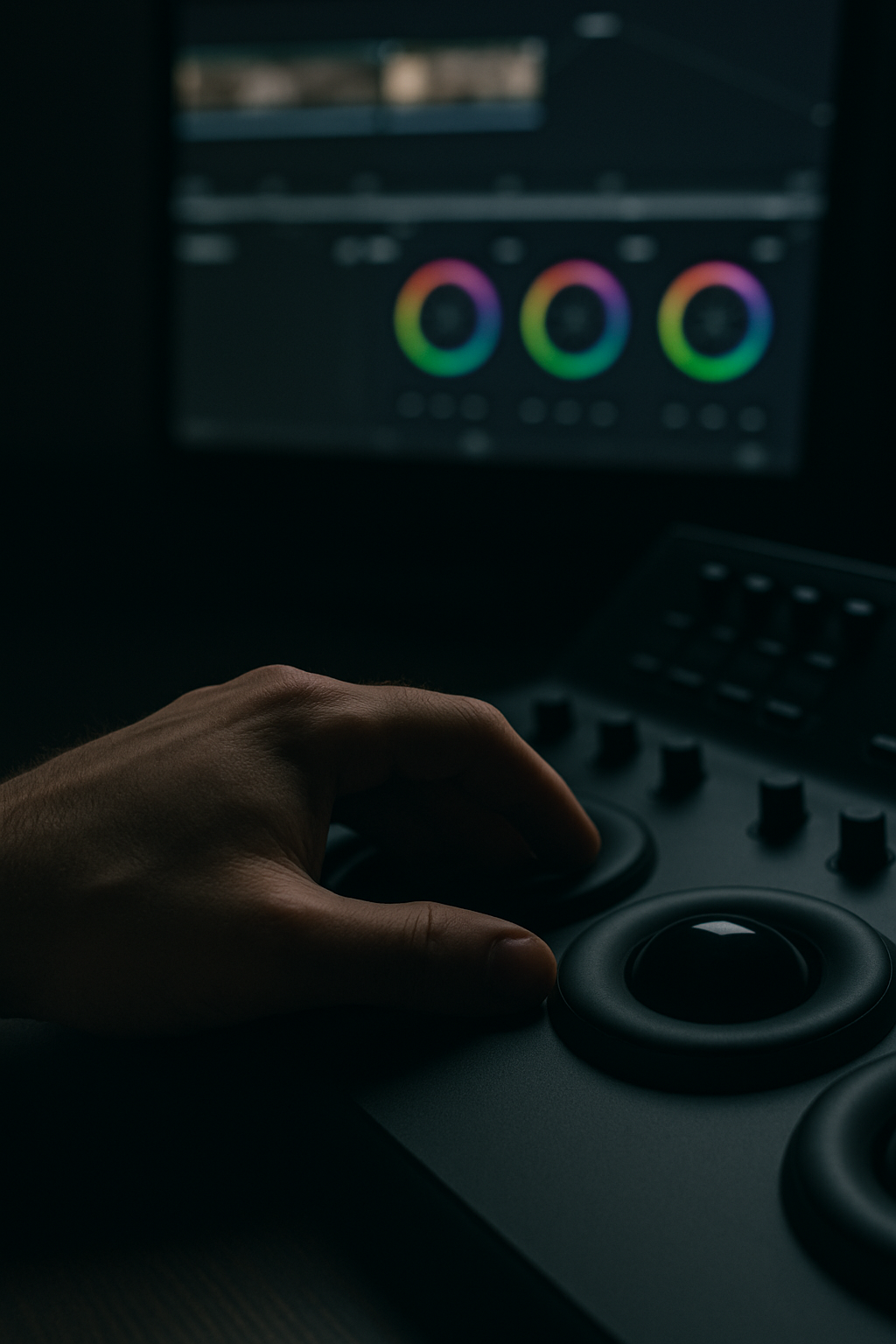
Color grade with confidence using a pre-set professional workflow and flexible creative options. Explore both technical and creative controls and experiment freely.
WHAT’S INSIDE PACKAGE ?
-
A collection of 13 hand-crafted creative LUTs with a refined, filmic aesthetic. Each LUT is designed specifically for DaVinci Wide Gamut / Intermediate color space, accepting and outputting the same color space for seamless integration into color-managed workflows.
All LUTs are carefully balanced to preserve accurate exposure and natural skin tones, anchored to middle grey for consistent, professional results. The collection spans a wide range of cinematic moods - from balanced and classic film looks to warm, cool, nocturnal, and stylized aesthetics. -
Two professionally designed PowerGrades that serve as a flexible, all-purpose color grading workflow. Built around DaVinci Wide Gamut / Intermediate, they provide a clean, color-managed foundation with clearly structured nodes for exposure, contrast, color balance, saturation, texture, and finishing.
The PowerGrades are designed to work seamlessly with the included LUTs or on their own, giving you full control while keeping your grading process fast, organized, and repeatable across projects. Suitable for both beginner and advanced workflows, they make it easy to stay consistent while still leaving room for creative experimentation.
-
Ten camera-specific PowerGrades built on the same professional workflow, pre-configured for popular camera color spaces and gamma curves. Each PowerGrade is already set up for its respective camera profile - such as Sony, Fujifilm, ARRI, DJI and others - so you can skip manual input conversions and get straight to grading.
Designed for DaVinci Wide Gamut / Intermediate, these camera-ready PowerGrades provide a fast, reliable starting point with accurate color transforms, balanced exposure, and natural skin tones - making them ideal for efficient, repeatable results across different cameras and projects.
-
The package includes one in-depth Instructions PDF that walks you step by step through installation, setup, and proper use inside DaVinci Resolve - covering LUT installation, importing PowerGrades, working in DaVinci Wide Gamut / Intermediate, and how to apply/adjust the looks in a clean, repeatable workflow.
You also get a separate Look Book PDF that acts as a quick creative guide to the 12 LUTs - explaining what each look does, when to use it, and the mood/character behind it, so you can pick the right LUT faster.
Built on a Trusted Workflow
-
![Colorful circular logo with three sections on a beach background]()
★★★★★
“Bro, you just nailed this! Thank you for your tremendous insights!”
— @ClaLearnDavinci
-
![Black and white electric guitar with a strap]()
★★★★★
“Truly amazing teacher. iam grateful to you. “
— @heafyxiu
-
![Person in a boat on a lake with waterfalls in the background.]()
★★★★★
“Thank you so much you just solved my problem with iphone footages I was having since last two years”
— @devendrapisda3528
-
![A man wearing glasses and a hat, smiling broadly, with the word 'RAH' visible.]()
★★★★★
“Your execution and methods of explaining things are excellent.”
— @Rahproductionsmiami
-
![A person with short, dark hair and a smirk, wearing a shirt with the name "Bobaray" embroidered on it, against a red background.]()
★★★★★
“Very, very, very detailed explanation whole workflow ... amazing !”
— @michaelbobarev
-
![Young man standing outdoors beneath a red flag on a clear day.]()
★★★★★
“Such an amazing way of explaining, hats off mann, thankyou”
— @Makarand.Mohite


FAQs
-
Yes. The workflow is structured and easy to follow, even if you’re new to color grading. You can start by using the camera-ready PowerGrades or simply apply a LUT and make small adjustments. As your skills grow, the same tools scale with you.
-
Not necessarily. The package includes tools that work in the free version of DaVinci Resolve. Some advanced PowerGrades and features require DaVinci Resolve Studio, but this is clearly separated so you can choose what fits your setup.
-
The LUTs are designed specifically for DaVinci Wide Gamut / Intermediate workflows in DaVinci Resolve. While they may technically load in other software, they are not intended for Rec.709-only or non–color-managed environments.
-
For best results, yes. The LUTs and PowerGrades are built around DaVinci Wide Gamut / Intermediate. However, the instructions clearly explain how to use them in both color-managed and node-based workflows.
-
The package includes camera-ready PowerGrades pre-configured for popular camera profiles such as Sony, Fujifilm, ARRI Alexa, DJI workflows. You can also manually set up other cameras using the provided instructions.
-
No. The looks are designed to be filmic and controlled, not heavy-handed. You can easily adjust the strength of each LUT or PowerGrade to keep the result subtle and natural.
-
It’s a fast starting point - not a magic button. The tools give you a solid, professional foundation, but you’re encouraged to fine-tune exposure, balance, and contrast for the best results.
-
Yes. The package includes a detailed instruction PDF explaining setup and usage, as well as a Look Book PDF that helps you understand the character and purpose of each LUT.
-
Since this is a digital product delivered instantly, refunds are not available. If you’re unsure whether this workflow fits your setup, please check the documentation or contact me before purchasing.